
Your artwork. Issued as a collectible
Give your next design the charm of something worth keeping. Postage Stamp Mockup turns your artwork into a paper stamp with textured ink, softly curled edges, and the familiar perforated outline. A logo becomes a keepsake. An illustration becomes a commemorative edition. A release announcement becomes something you could imagine finding in a collector’s album.
This editable Photoshop PSD template brings the paper, print finish, and presentation together. Replace the stamp artwork through a Smart Object, edit the text, and adjust the background texture and color to suit your project. Build a nostalgic stationery concept, a bold music campaign, or a contemporary brand presentation with a little postal history worked in.
The details that make it feel printed
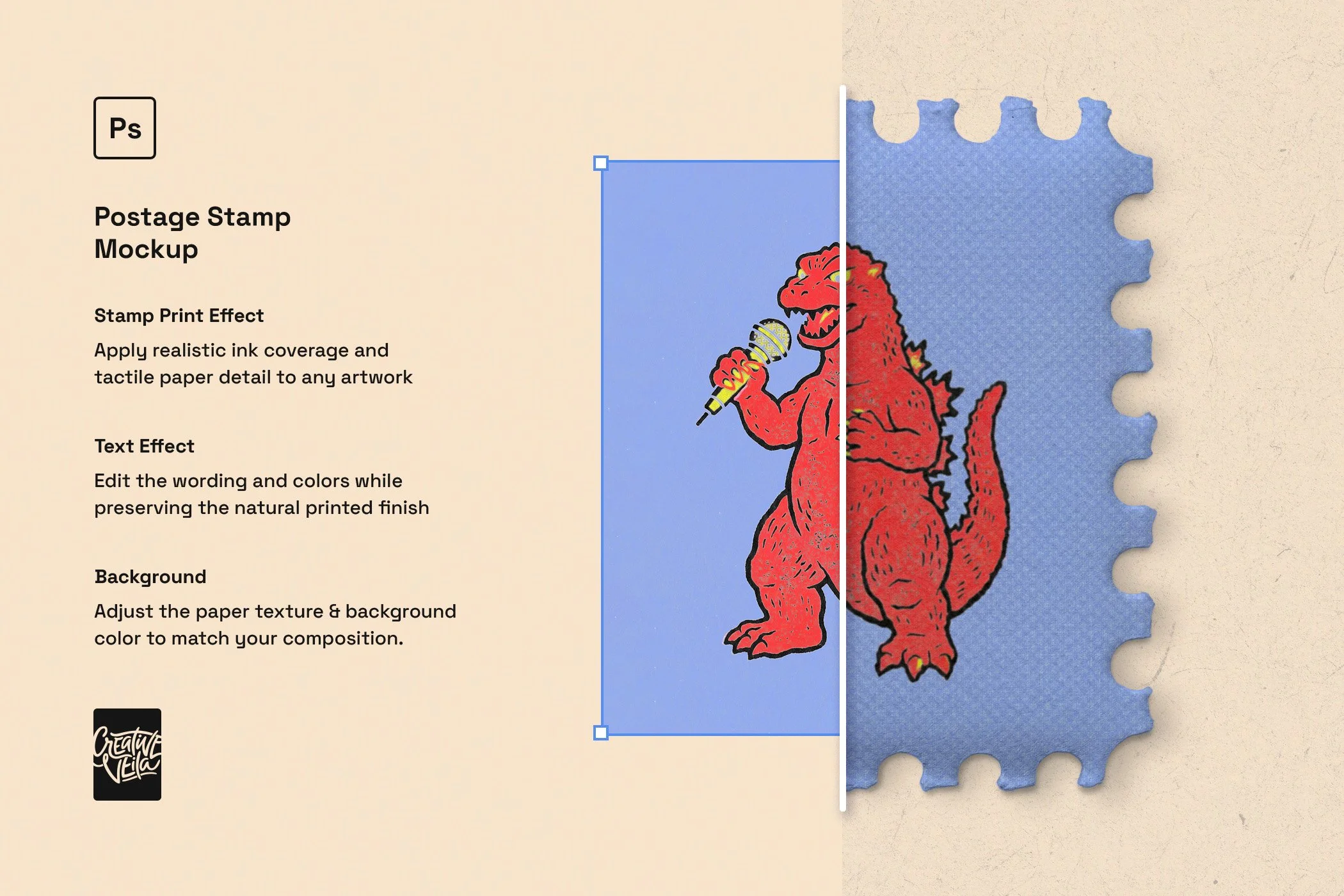
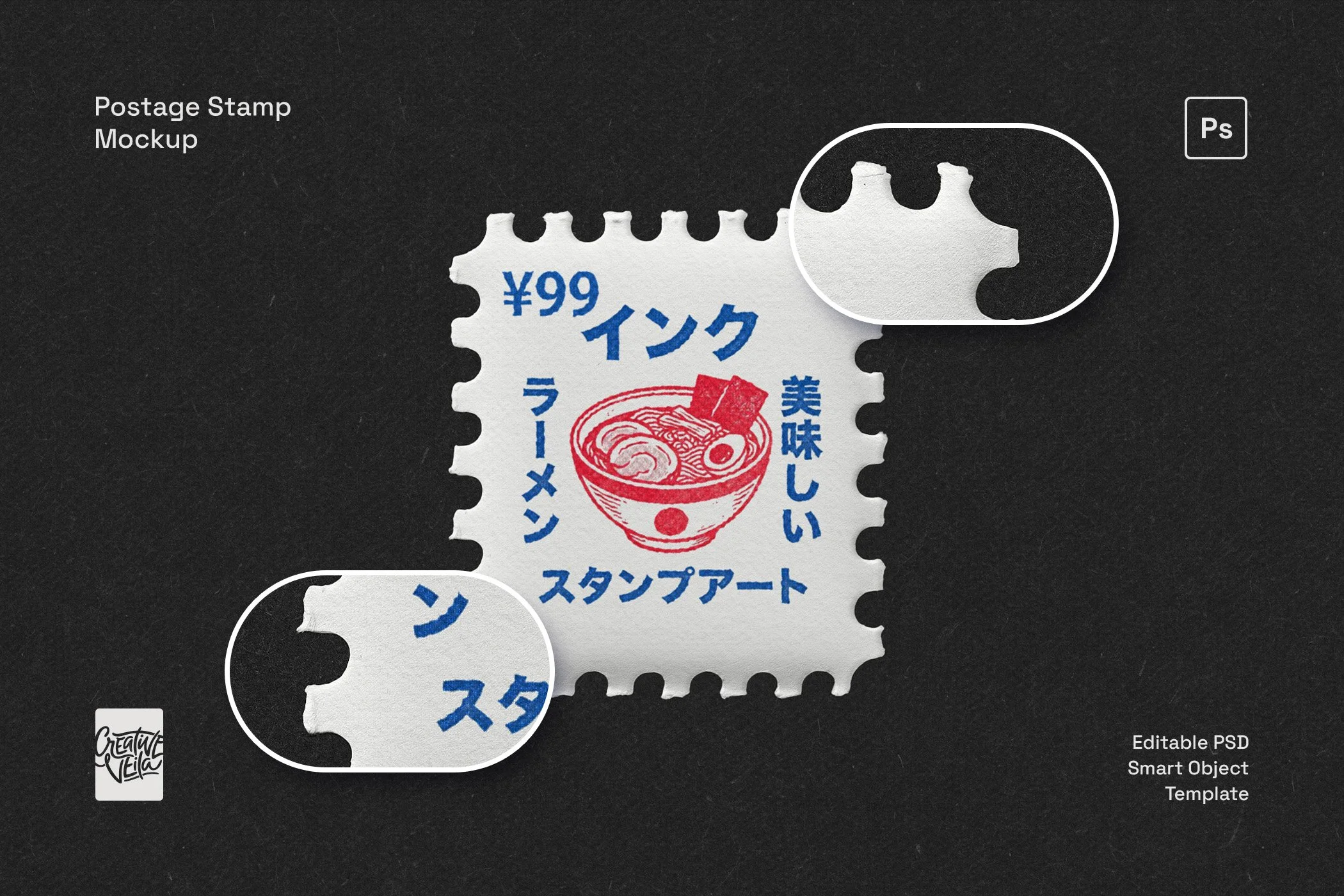
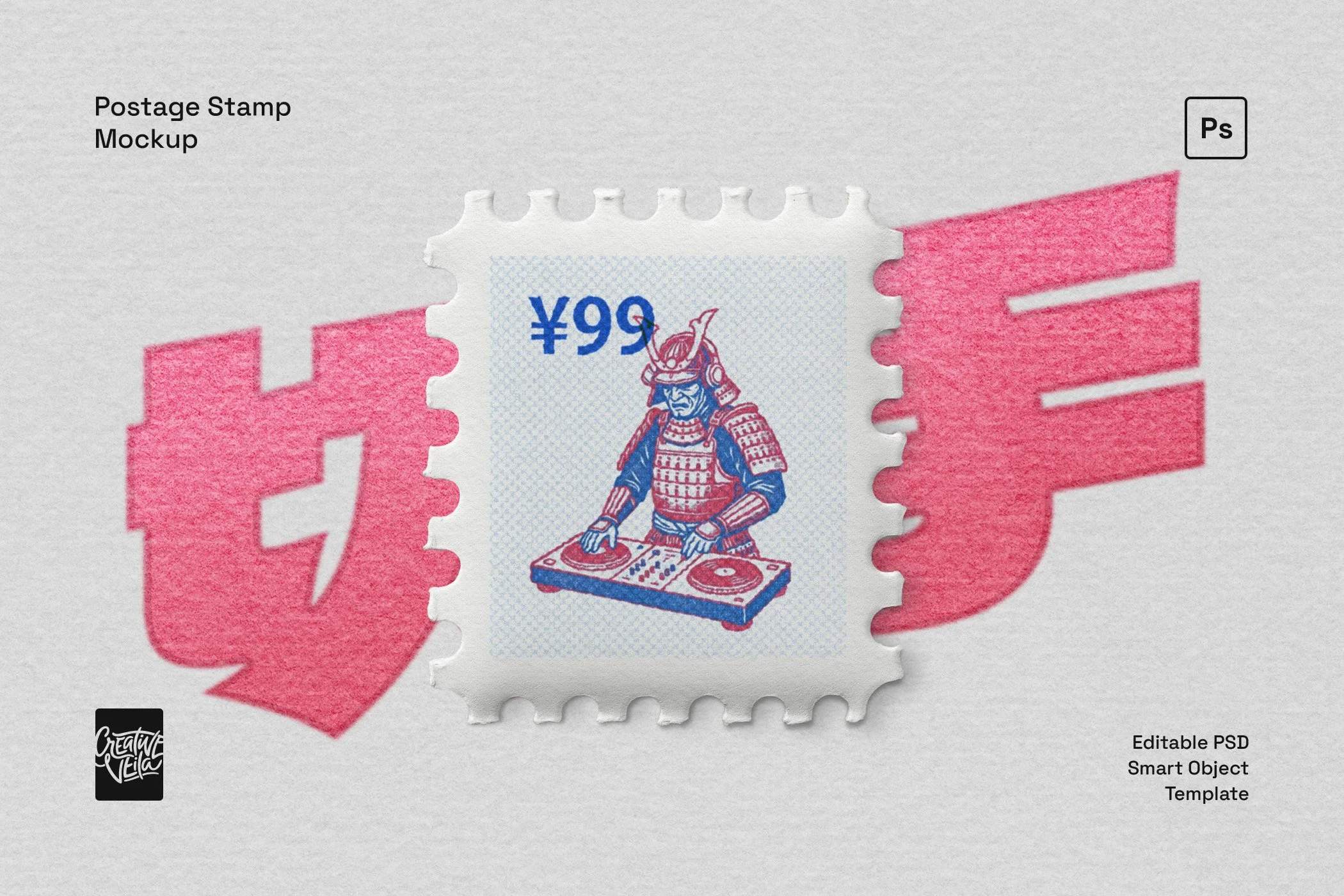
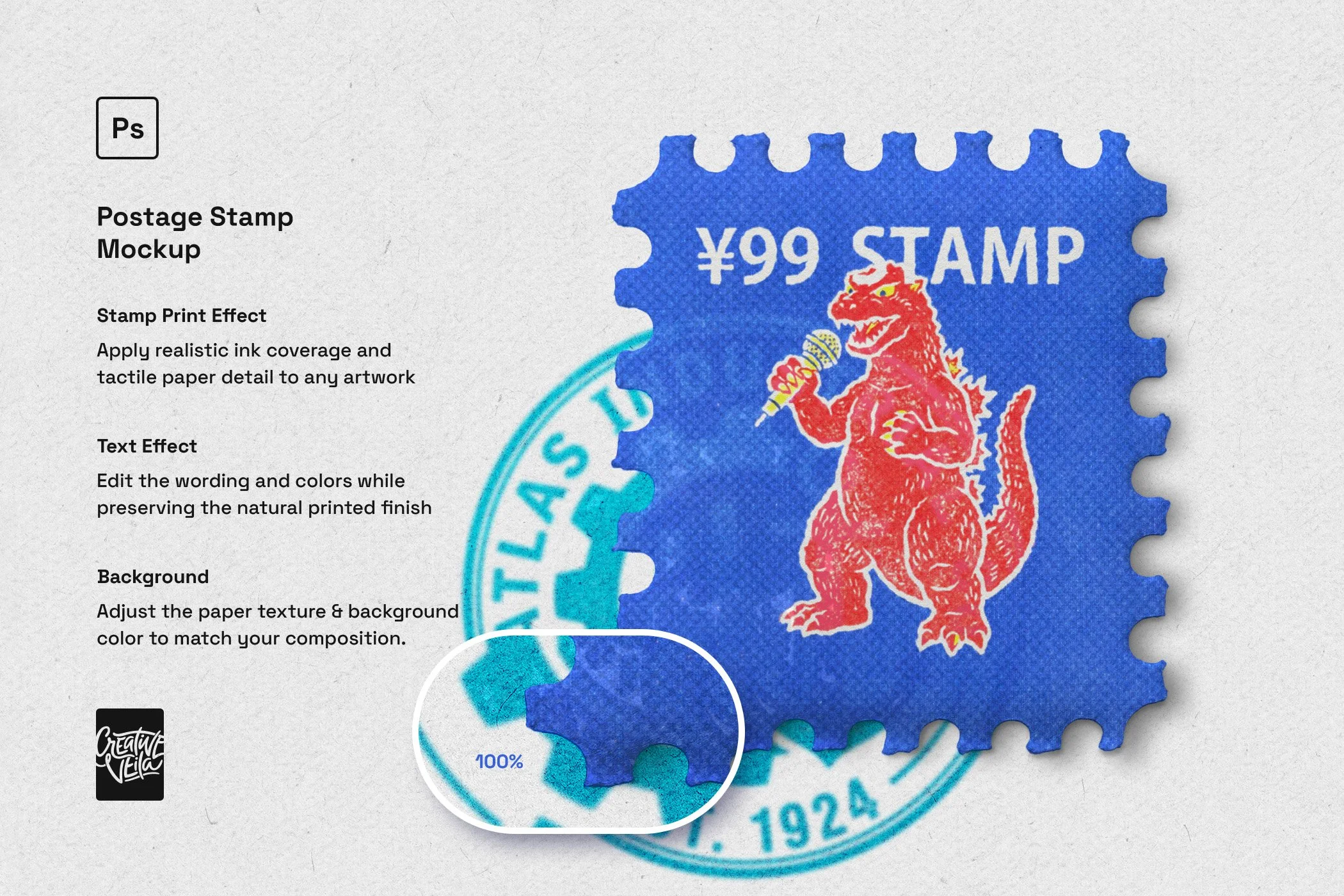
Stamp Print Effect
Give clean digital artwork the texture of ink on paper. Natural-looking ink coverage, visible paper grain, and perforated edges bring depth and character to your stamp design.
Text Effect
Change the wording and colors while keeping the printed finish. Add a brand name, a release date, a destination, or a playful denomination that makes the stamp feel like your own edition.
Background
Adjust the paper texture and background color to match your composition. Keep things light and archival, use a warm paper tone, or put a bright stamp against a dark backdrop.
Smart Object editing
Replace the artwork, save the Smart Object, and see your design in the mockup. Try different illustrations, logos, and lettering without rebuilding the stamp presentation for each version.
More than a stationery mockup
Branding and packaging presentations. Give a logo or mascot its own stamp for stationery concepts, thank-you card visuals, packaging presentations, and portfolio case studies.
Posters, invitations, and mail art. Build postal-inspired gig posters, save-the-dates, postcards, and editorial collages. Use a place name and date to make the design specific to the occasion.
Music releases and tour campaigns. Treat every single, artist, or tour stop as a separate issue. Keep the stamp format consistent while changing the artwork and release details across your campaign.
Coffee and food-origin stories. Design a stamp for each growing region, producer, or signature ingredient. Use the series in tasting notes, launch graphics, and packaging concept presentations.
Travel and hospitality identities. Turn neighborhood landmarks into a collection for a hotel city guide, a destination newsletter, or a travel journal. Each location gets its own visual souvenir.
Anniversary and archive collections. Revisit a studio’s favorite projects, a label’s past releases, or a brand’s milestones as commemorative stamps. Bring them together in a retrospective poster or social carousel.
Template details
Editable Photoshop PSD template
Smart Object artwork replacement
Stamp print effect and editable text effect
Adjustable background paper texture and color
3000 × 2000 px canvas at 300 ppi
3 paper background textures
Adjustable background color
Illustrated how-to-use guide
💡 A design idea to try: keep the border, type placement, and denomination consistent, then change just the central artwork and one accent color. Separate designs start to feel like a collection.
How to use it
Open the PSD in Adobe Photoshop and replace the artwork inside the stamp’s Smart Object.
Save the Smart Object, then customize the wording, colors, and background.
Export your finished composition for your presentation or design project.
Frequently asked questions
-
The template is designed for Adobe Photoshop and uses Smart Objects. Compatibility with Canva, Procreate, Affinity, or Photopea has not been tested.
-
Yes. Replace the artwork inside the Smart Object and save it to update the mockup. The editable text effect also lets you change the wording and colors while retaining the printed look.
-
You can replace the stamp design, edit the text and its colors, and adjust the background’s paper texture and color.
-
This mockup presents your design as a separate piece of perforated postage-stamp paper, with visible edges and depth. For the look of an ink impression applied directly to a surface, explore Ink Bleed Effects & Stamp Mockups.
-
The full canvas is 3000 × 2000 px at 300 ppi—approximately 10 × 6.67 inches at that resolution. Those dimensions describe the entire composition, not the stamp alone. Check the final placed size and your printer’s requirements before using the exported artwork in print.
-
Yes, under the appropriate license. Review the Commercial License for permitted uses and sales limits. Marketplace end products and sales beyond those limits require an Extended License. The template itself cannot be resold or redistributed as-is.
Build out the paper world
Pair your stamp artwork with the Folded Paper Texture Pack for a worn-letter or collage composition. For a coordinated stationery presentation, explore Letterpress Effect Mockup & Styles.
These are separate products, not included extras.


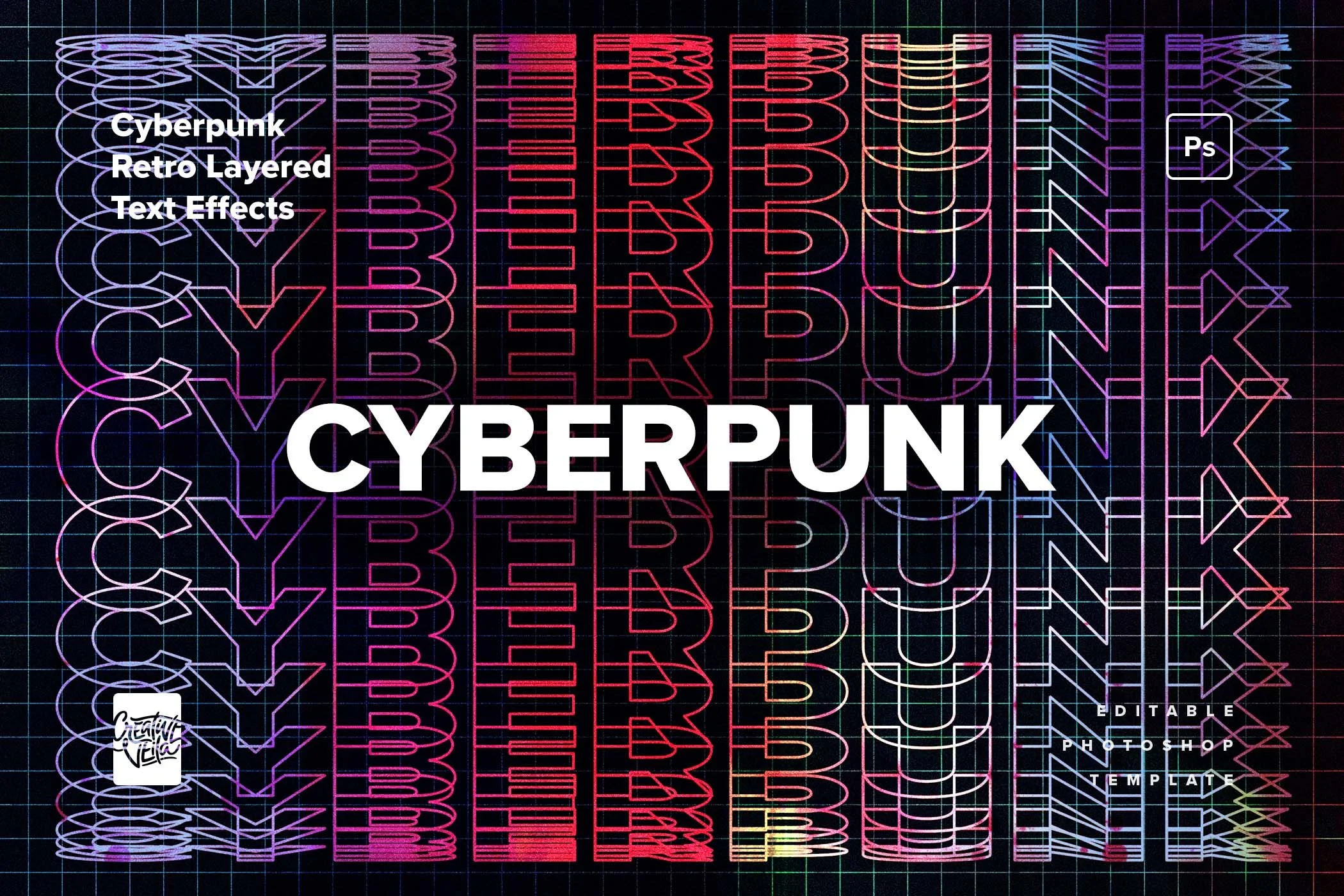

A modern text effect inspired by blueprints, grids, and UI design, perfect for tech-forward visuals, bold headers, and clean editorial layouts.