

Crafted by iPad Art Enthusiasts
We’ve been passionate about Procreate since its very first release, watching it evolve into the ultimate tool for digital illustration. Over the years, we’ve obsessively mastered the art of brush making, refining our techniques to create tools that feel intuitive, responsive, and deeply authentic.
Professional Procreate Brushes & Templates for Digital Art
Discover Creative Veila's extensive collection of professional Procreate brushes designed for iPad artists and digital designers. Whether you're creating illustrations, patterns, or digital paintings, our curated library of premium Procreate brush sets will enhance your creative workflow.
From realistic texture brushes and halftone patterns to specialized stamp tools and background textures, each brush pack is crafted to deliver professional results. Our Procreate brushes are compatible with iPad Pro and all devices running Procreate 5X and above, ensuring seamless integration into your digital art toolkit.
Explore free Procreate brushes to get started, or unlock our complete collection with Full Access membership for unlimited downloads. Every brush set includes easy installation instructions and is ready to use immediately after download.
Why Creative Veila Procreate Brushes?
Professional quality & artist-tested
Pressure-sensitive & Apple Pencil optimized
Regular updates with new brush packs
Commercial license available
Popular Procreate Brush Categories
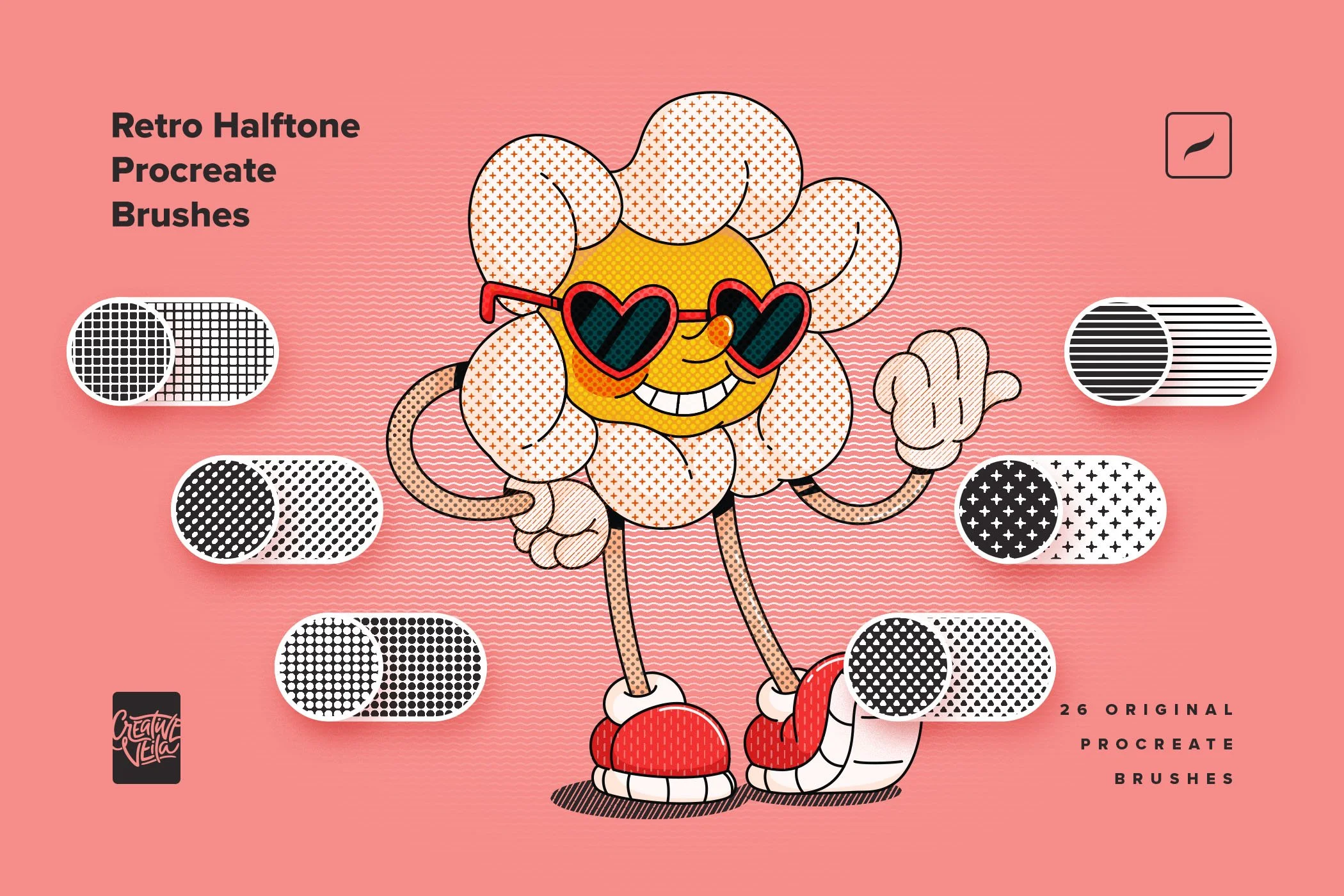
Pattern & Grid Brushes – Perfect for geometric designs, halftone effects
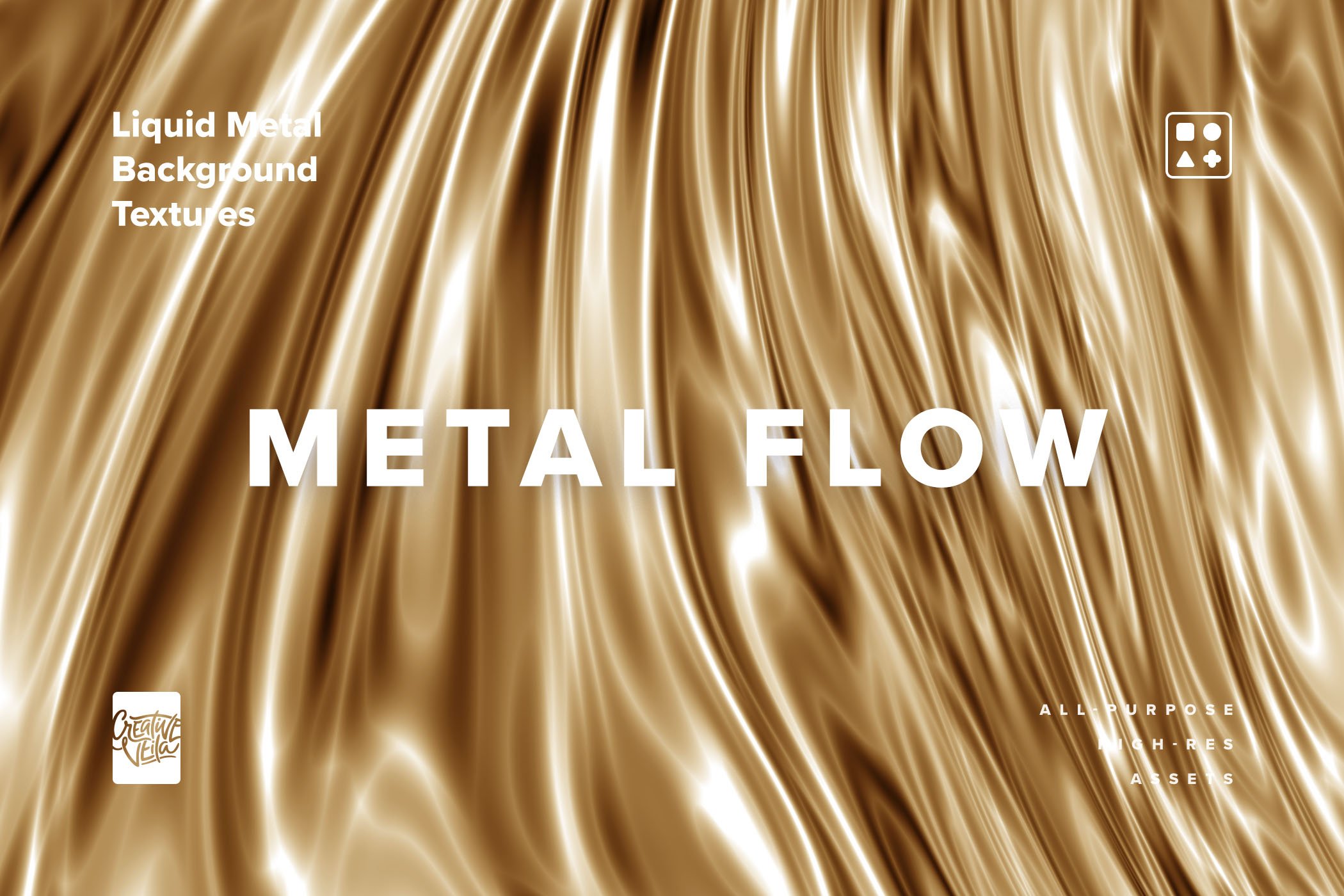
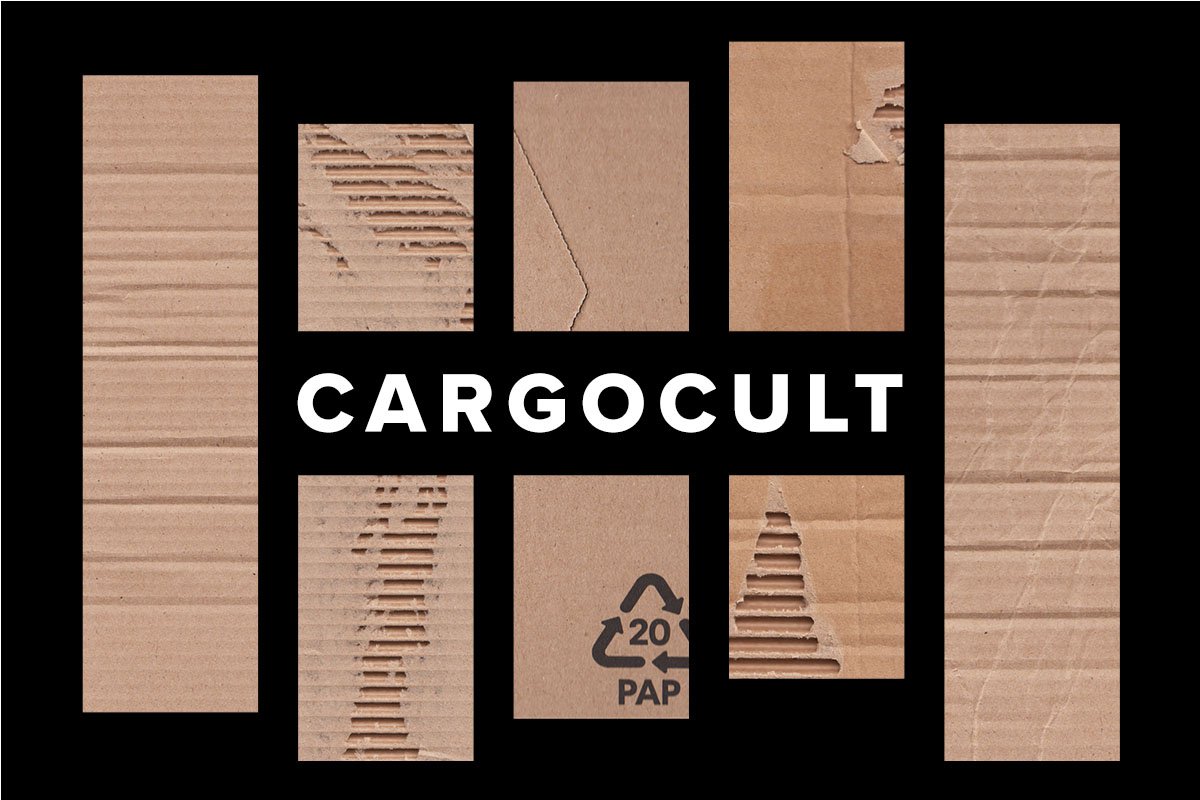
Texture Brushes – Paper, fabric, metal, and organic textures
Specialty Brushes – Watercolor, ink, charcoal, oil painting effects
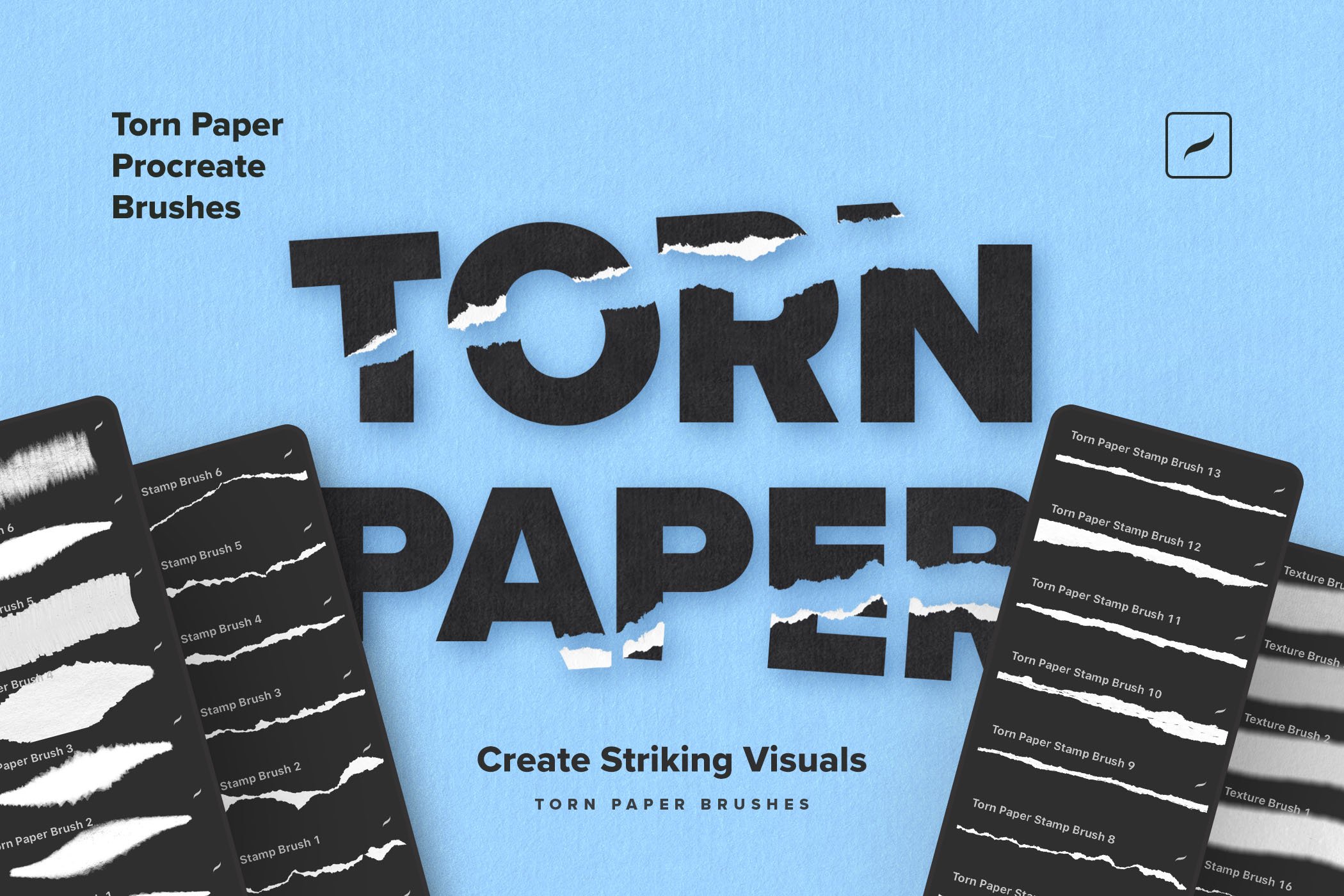
Stamp Brushes – Time-saving decorative elements and shapes






How to Install Procreate Brushes
5 easy steps to add your brushes:
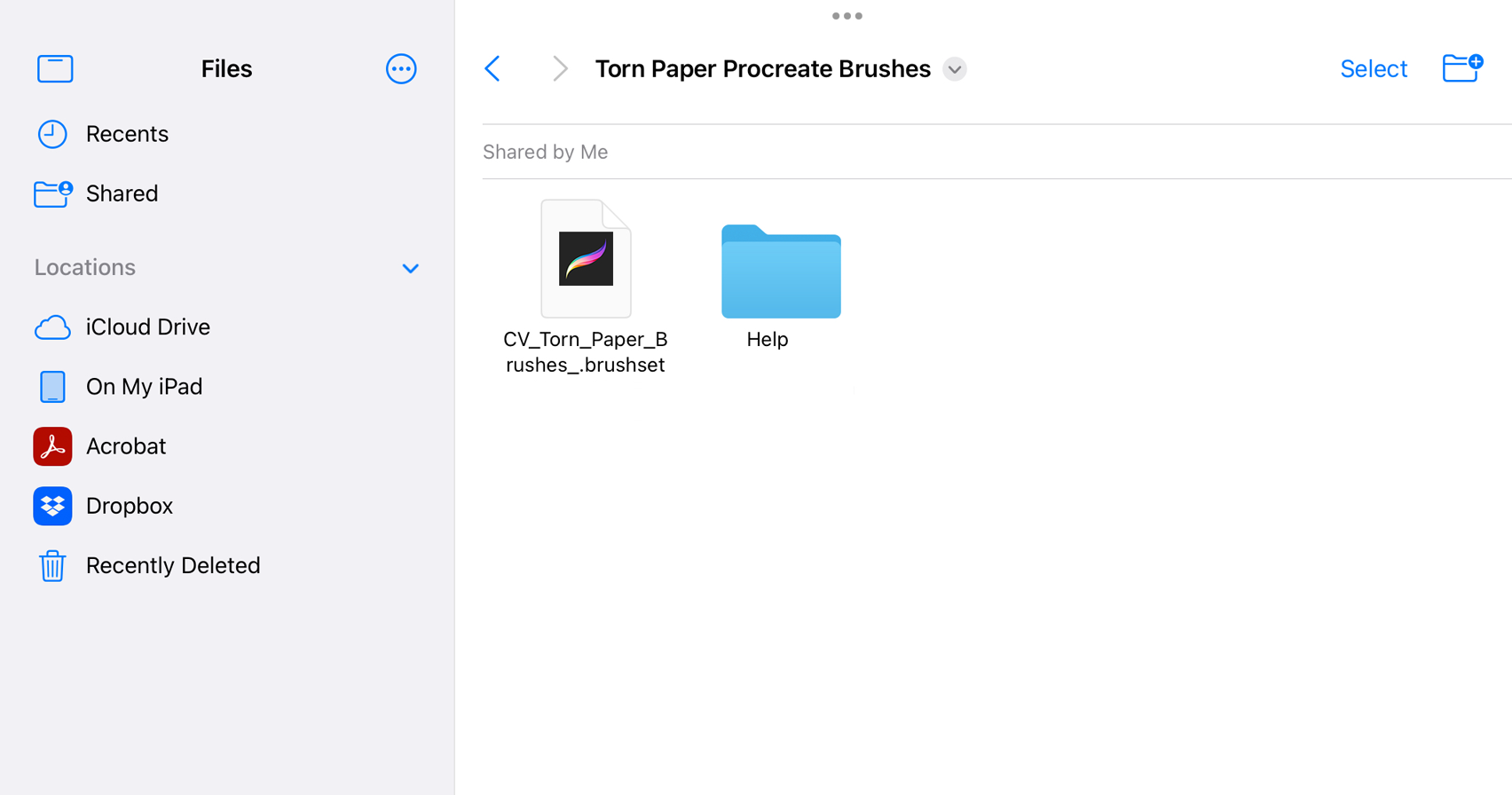
Download the .brushset file to your iPad
Tap the file to open in Procreate
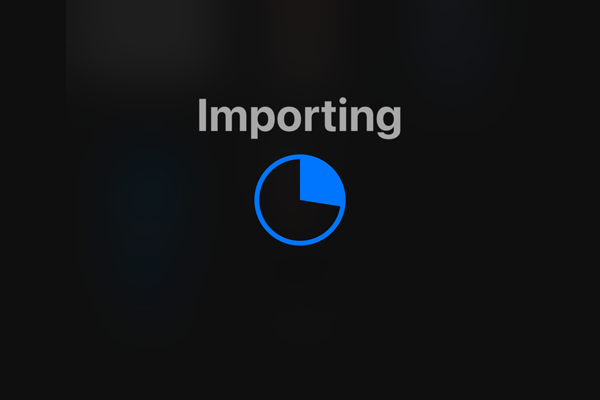
Brushes automatically import to your library
Find them in the Brush Library
Start creating!
Frequently Asked Questions About Procreate Brushes
-
What are Procreate brushes?
Procreate brushes are digital tools that simulate traditional art media like pencils, paint, ink, and textures. They work with Apple Pencil pressure sensitivity to create realistic drawing and painting effects on iPad.
-
We offer both free Procreate brushes and premium brush packs. Free brushes are available for download, while premium collections can be accessed individually or through our Full Access membership.
-
Our brushes are compatible with Procreate 5X and above. We recommend keeping your Procreate app updated to the latest version for best performance.
-
Yes! Our commercial license allows you to use Procreate brushes in client work, product designs, and commercial illustrations. Extended licenses are available for specific use cases.
-
Simply download the .brushset file to your iPad, tap to open it, and Procreate will automatically import the brushes. They'll appear in your Brush Library ready to use.
-
Each brush pack includes multiple brushes optimized for specific techniques, preview images, and installation instructions. Premium packs often include bonus color palettes and textures.

The Grid Brushes pack brings the most essential grid types used by professional designers — square grids, fine-line meshes, dot matrices, cross patterns, rounded tile arrangements, and more.