
Torn Paper Procreate Brushes

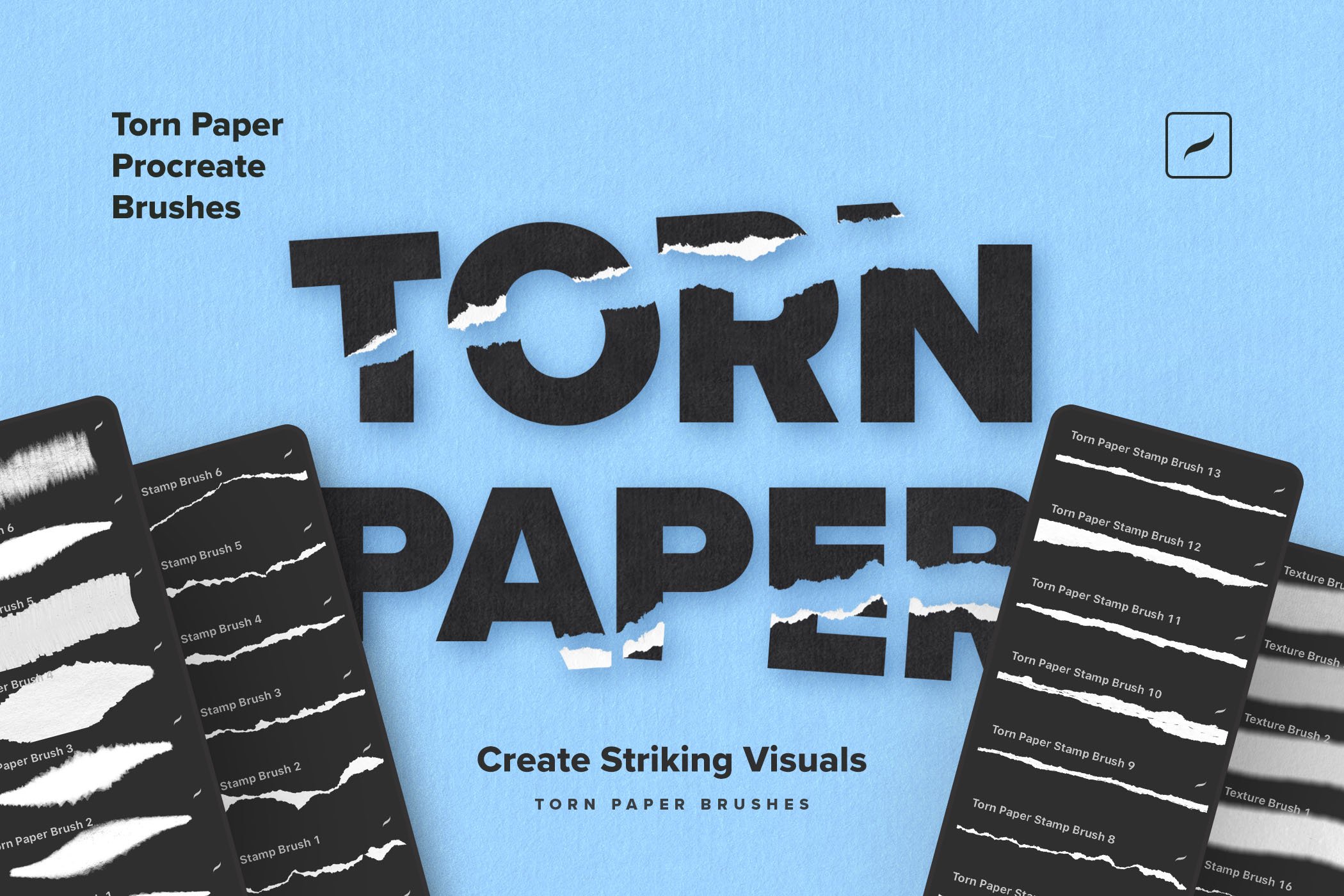
Recreate the raw, handcrafted torn paper look in your digital work with this Torn Paper Procreate Brush Set. Perfect for collages, editorial layouts, and vintage-inspired compositions, this set includes rip brushes for shaping natural, custom edges that seamlessly blend into your designs.


Paper Rip Stamp Brushes
For quick and effortless results, the pre-made paper rip stamp brushes let you apply torn edges instantly, maintaining the natural texture and irregularity of actual paper. To complete the effect, the paper texture brushes add depth and dimension to backgrounds, giving your work an authentic, tactile feel.


Ideal for branding, social media, and print projects, this pack makes it easy to experiment with layered, mixed-media aesthetics. Create bold graphics or subtle paper details; these Procreate brushes offer the flexibility and realism needed for high-impact designs.
New to the set? Walk through a complete torn paper composition in our step-by-step Procreate tutorial — eight steps from blank canvas to finished collage, using these brushes as the foundation.
Package includes:
7 paper rip brushes
16 stamp brushes
6 paper texture brushes
Illustrated how-to-install guide
Frequently Asked Questions & Pro-Tips
-
Download: Save the file to your iPad’s Files app.
Unzip: Tap the .zip file once to expand it into a .brushset file.
Import: Tap the .brushset file. Procreate will open automatically, and your new brushes will appear at the very top of your Library.
-
This set is engineered exclusively for the Procreate engine to utilize its unique pressure curves. They are not compatible with Photoshop (.abr). However, a popular workaround is to paint your assets in Procreate, export them as transparent PNGs, and use them as overlays in any software you choose.
-
Realism is all about the shadow. For a "lifted" look:
Place your torn paper stamp on its own layer.
Duplicate that layer and move it below the original.
Turn on Alpha Lock on the bottom layer and fill it with black.
Turn off Alpha Lock, go to Gaussian Blur, and slide to ~5%.
Set the layer blend mode to Multiply and lower the opacity to 40%. This creates a natural depth that makes the paper pop off the screen.
-
Absolutely! This is the core of digital collage. Simply paint a shape with a Torn Edge brush, place your photo on the layer above it, tap the photo layer, and select Clipping Mask. Your photo will instantly take on the fibrous, ripped texture of the brush.
-
es! Our commercial license allows you to use these brushes for branding projects, physical products (like t-shirts or posters), and digital end-products. The only restriction is that you cannot resell the brush files themselves or repackage the stamps as a competing clipart set.
Also available for Photoshop: the Torn Paper Cliparts & Mockups pack covers the same aesthetic in PNG, SVG, and PSD form — useful when you need pre-made torn paper assets instead of brushes you stamp yourself.




The Grid Brushes pack brings the most essential grid types used by professional designers — square grids, fine-line meshes, dot matrices, cross patterns, rounded tile arrangements, and more.