
Grid Pattern Procreate Brushes
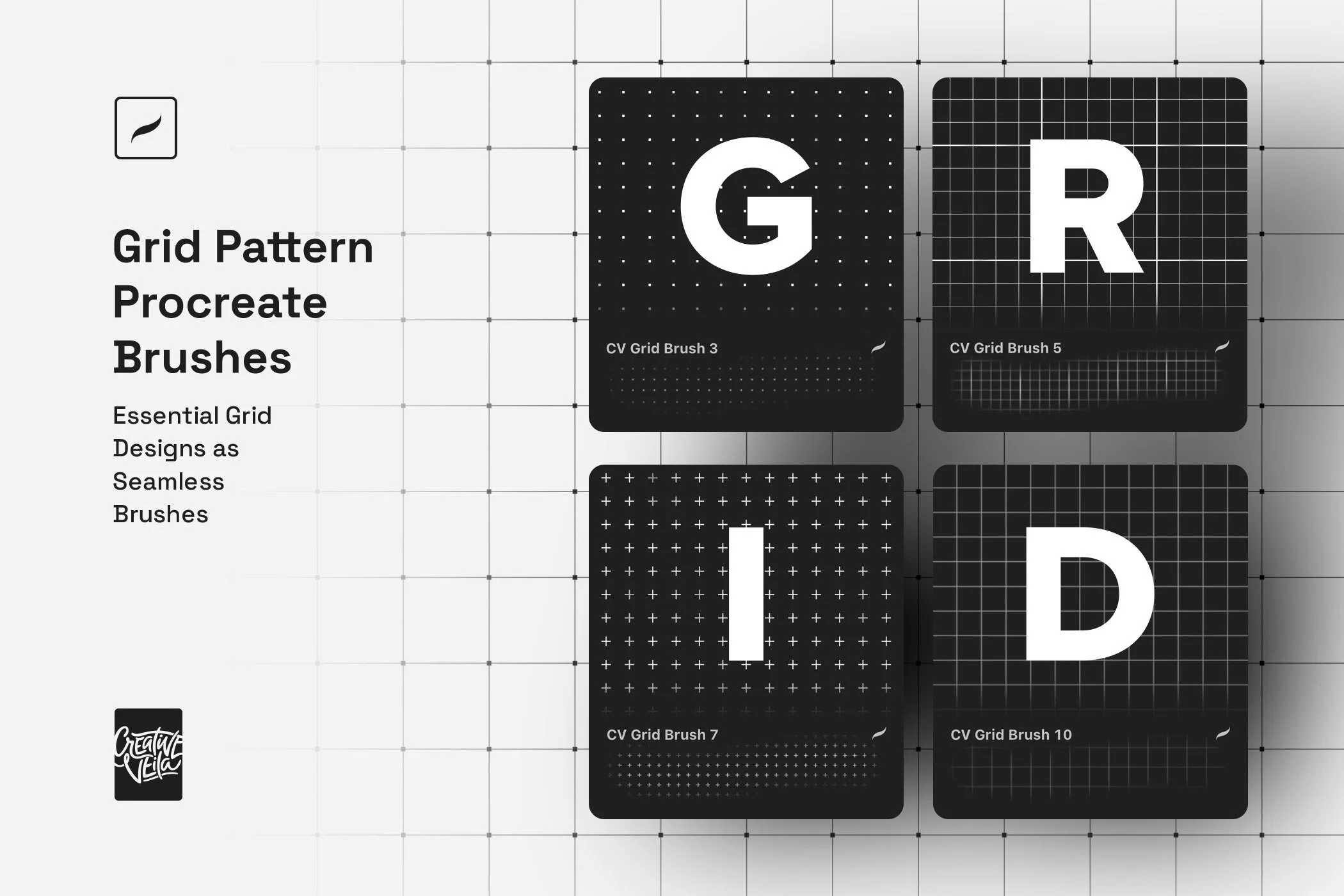
Structure is the invisible force behind every great design — and now you can wield it directly from your Apple Pencil. The Grid Pattern Procreate Brushes pack brings the most essential grid types used by professional designers: square grids, fine-line meshes, dot matrices, cross patterns, rounded tile arrangements, and more, into a set of seamless, pressure-responsive brushes built natively for Procreate. These aren't decorative afterthoughts; they are precision instruments that turn the grid itself into a primary design element.
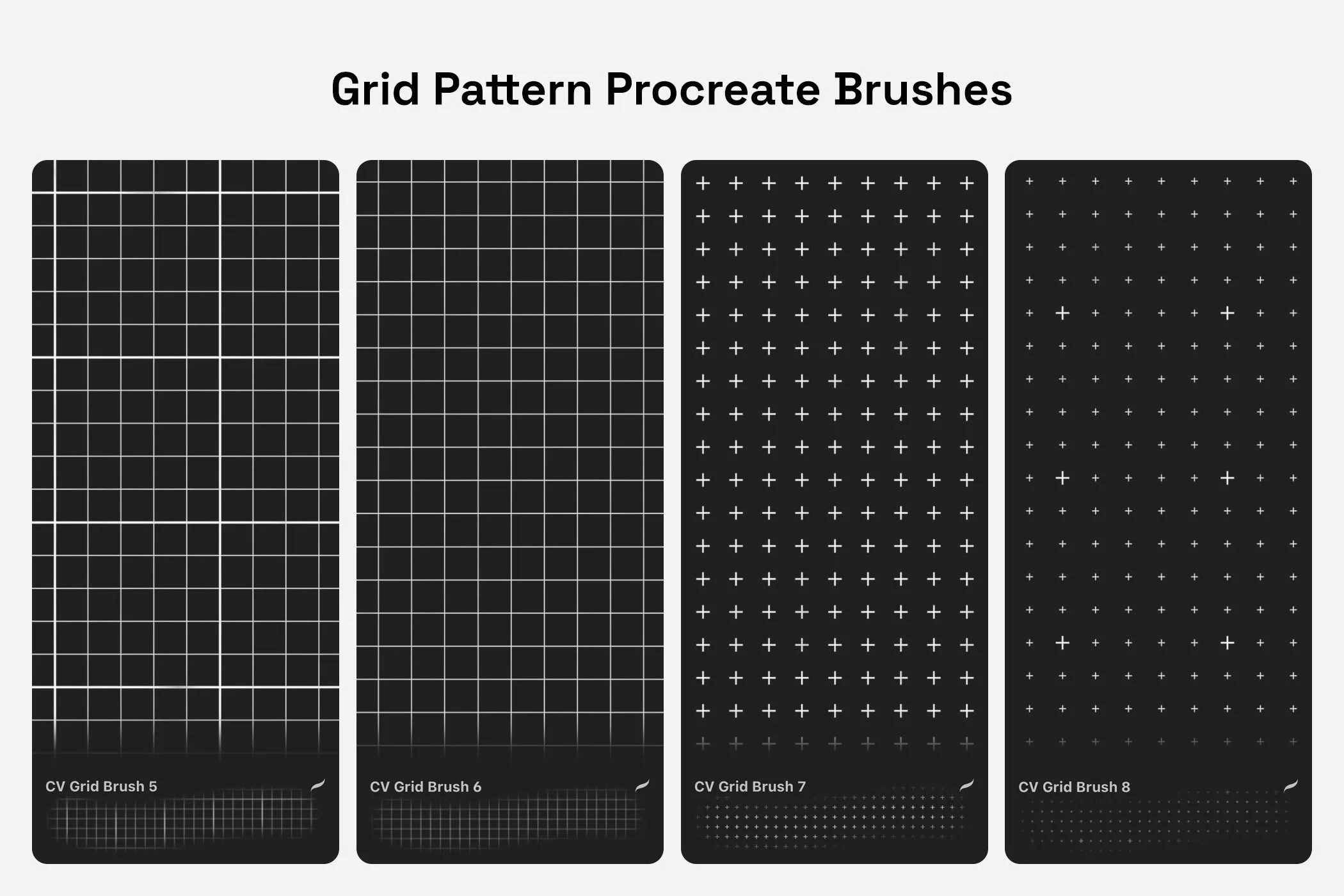
The Most Essential Grid Types
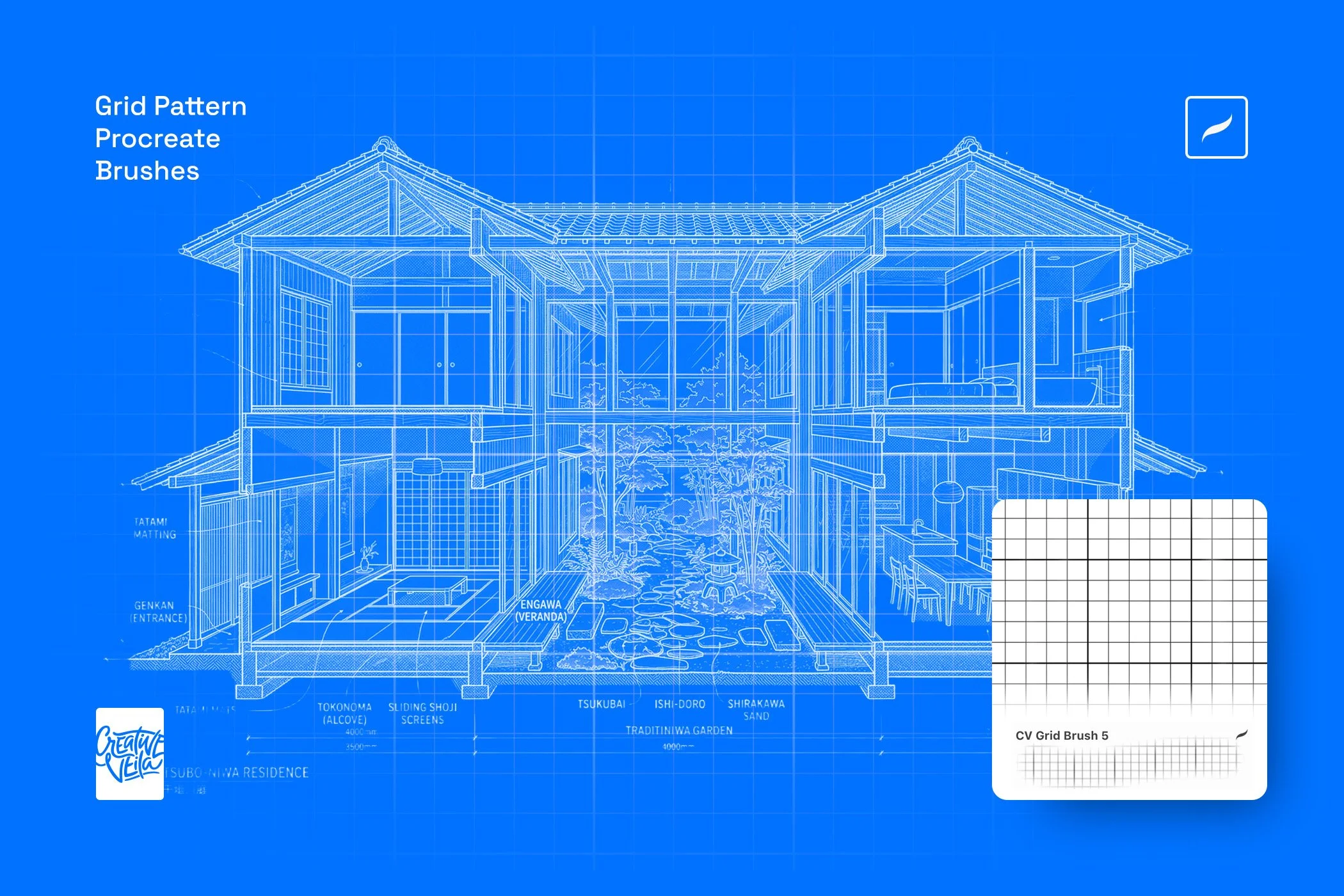
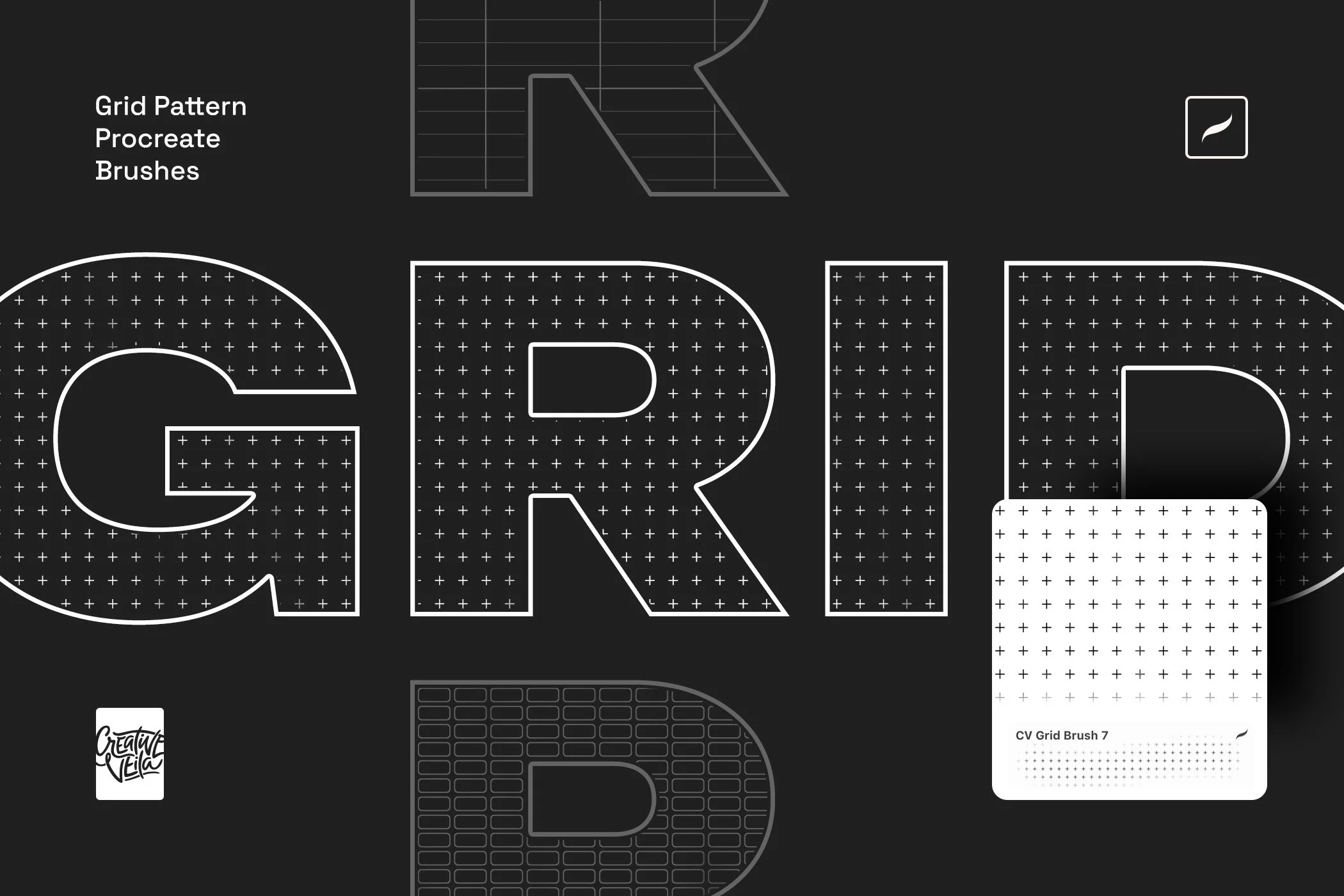
Lay down architect-grade blueprint overlays for illustration work, apply stippled dot grids to render halftone-inspired art, fill bold letterforms with cross textures for editorial and poster typography, or build structured pixel-art compositions with scalable mosaic blocks — all without leaving your Procreate canvas. Each brush is made to tile seamlessly, ensuring that your patterns remain flawless and continuous across canvases of any size.
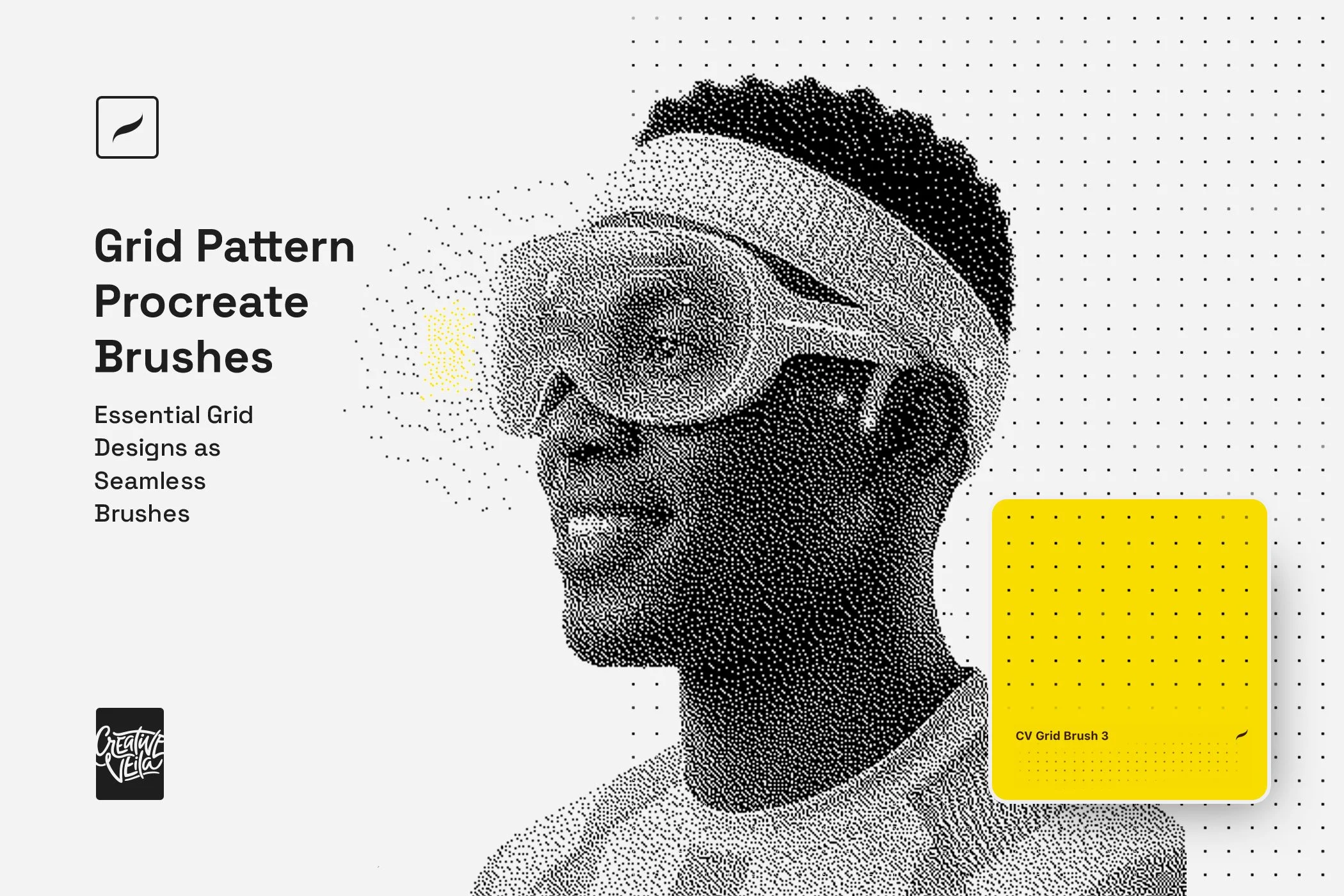
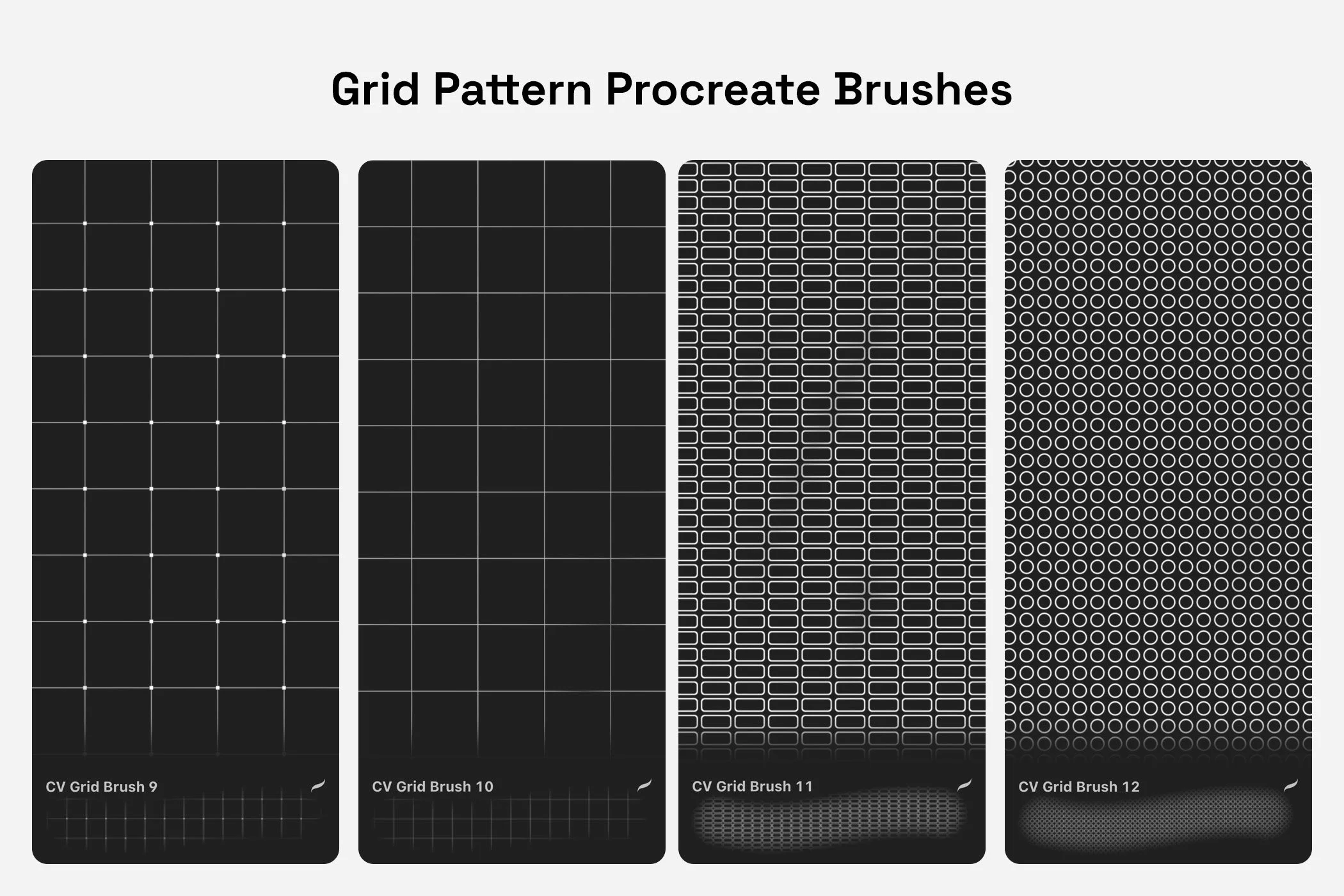
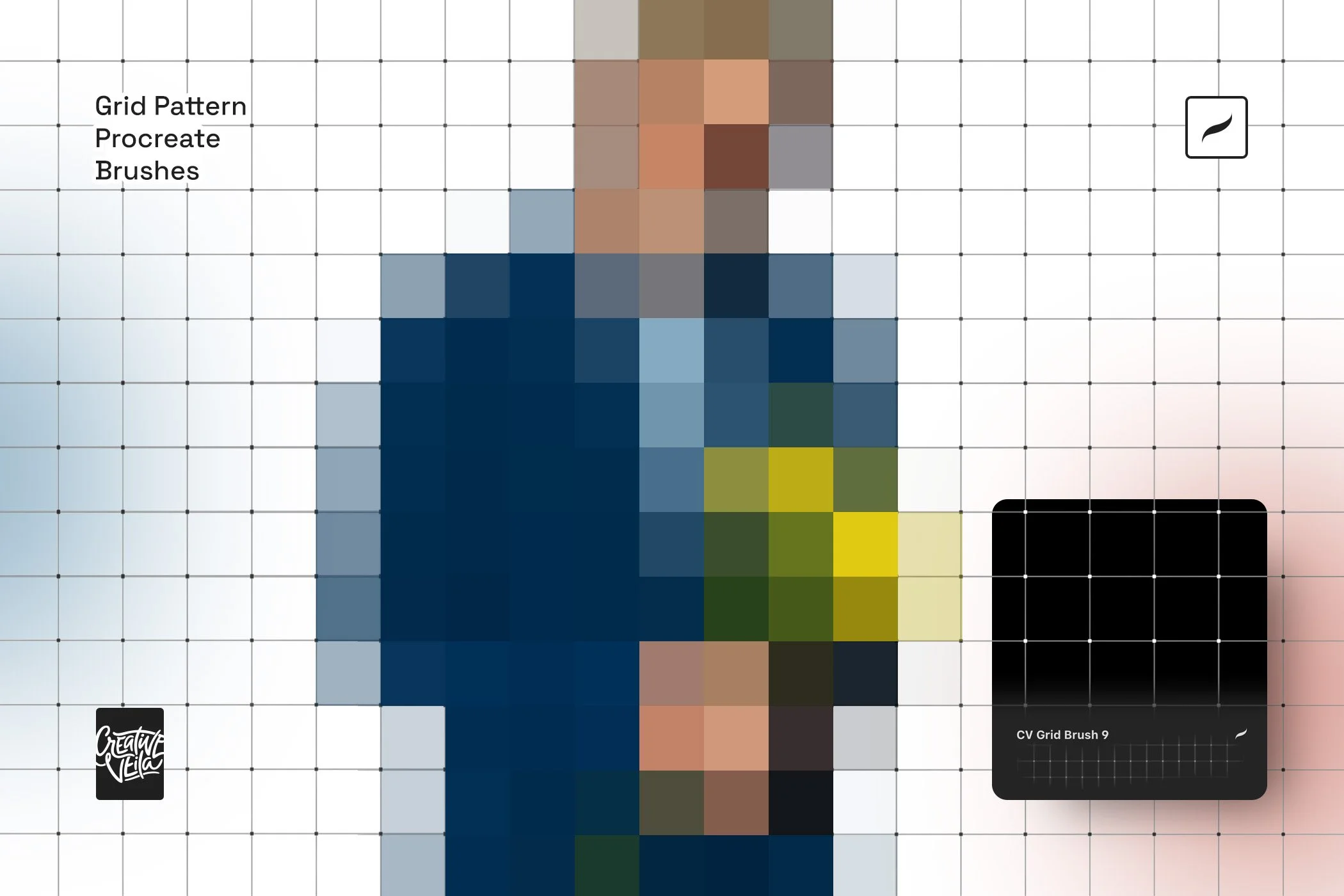
The grid has always been your foundation — this pack finally makes it your medium.
Forget the tedious, time-consuming process of manually drawing repetitive lines and structural layouts. This collection equips you with a versatile array of seamless grid brushes, allowing you to instantly apply precise, scalable backgrounds and textural overlays with a single stroke.
Package includes:
12 seamless grid pattern brushes
Illustrated how-to-install guide
Frequently Asked Questions & Pro-Tips
-
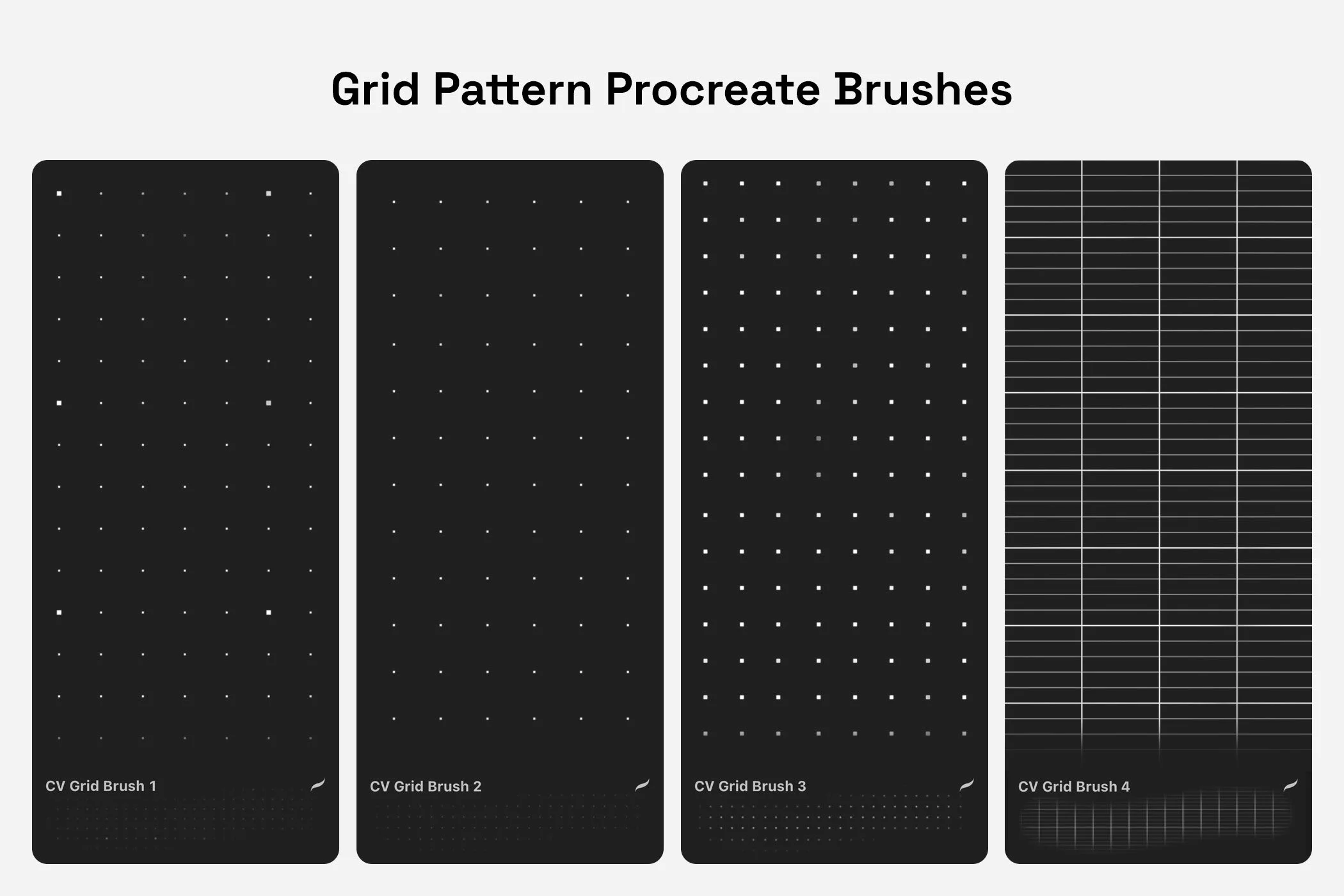
The pack includes 12 unique Grid Brushes, each featuring a distinct grid style — from tight dot matrices and cross patterns to square cell grids and fine-line meshes.
-
Download: Save the file to your iPad’s Files app.
Unzip: Tap the .zip file once to expand it into a .brushset file.
Import: Tap the .brushset file. Procreate will open automatically, and your new brushes will appear at the very top of your Library.
-
No, this specific product is built exclusively for Procreate and the Procreate Pocket app on iOS.
-
Yes, every brush in this pack has been engineered to create continuous, seamless patterns regardless of your canvas size.
-
Absolutely. Like all native Procreate brushes, size, opacity, and pressure response can all be adjusted in the Brush Studio — giving you precise control over grid weight and density.
-
Procreate's drawing guides are non-destructive visual aids, not paintable elements. These brushes let you paint grid patterns directly onto any layer as actual artwork — maskable, colorable, blendable, and fully integrated into your composition.
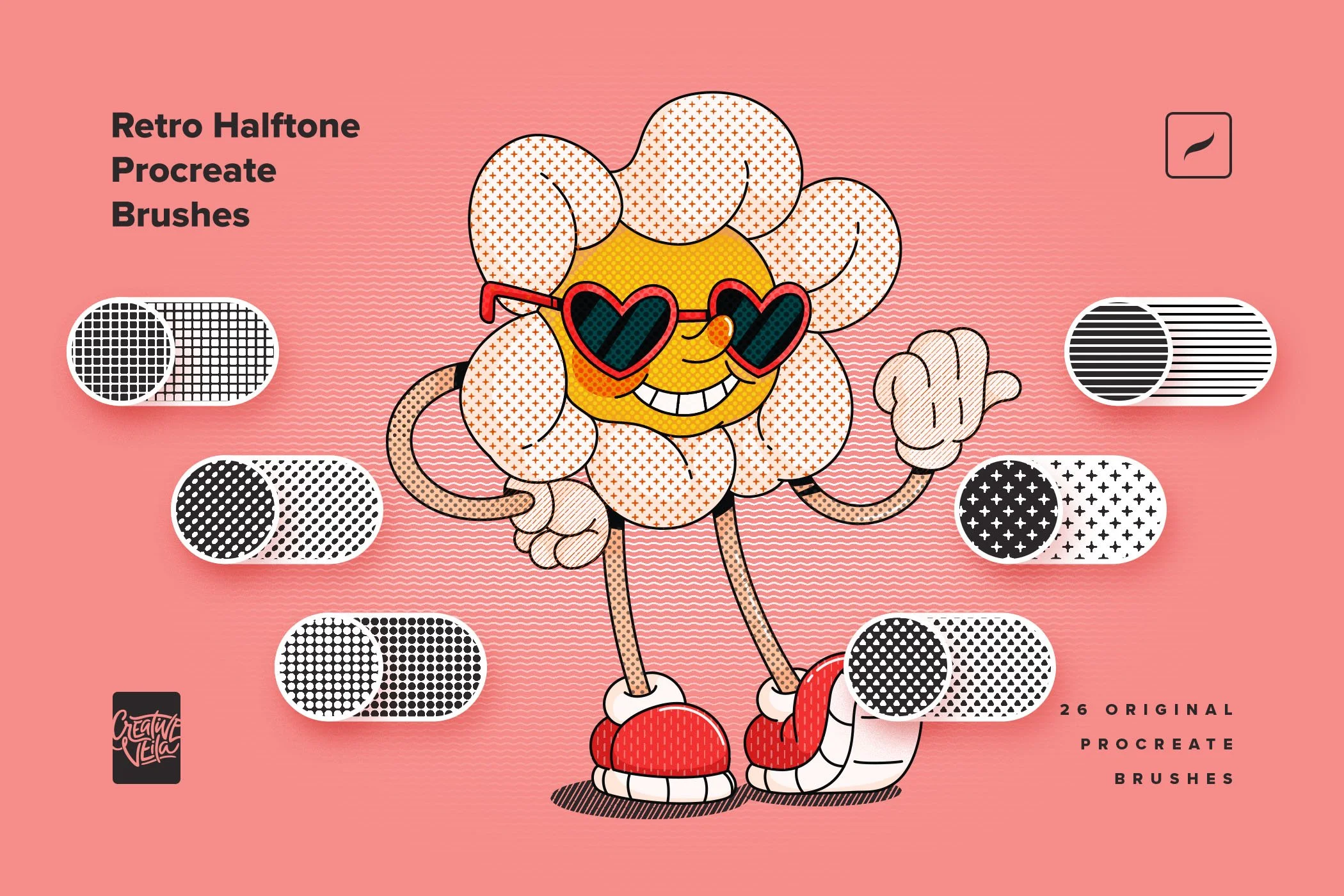



The Grid Brushes pack brings the most essential grid types used by professional designers — square grids, fine-line meshes, dot matrices, cross patterns, rounded tile arrangements, and more.