
Creative Sketch Photo Effect
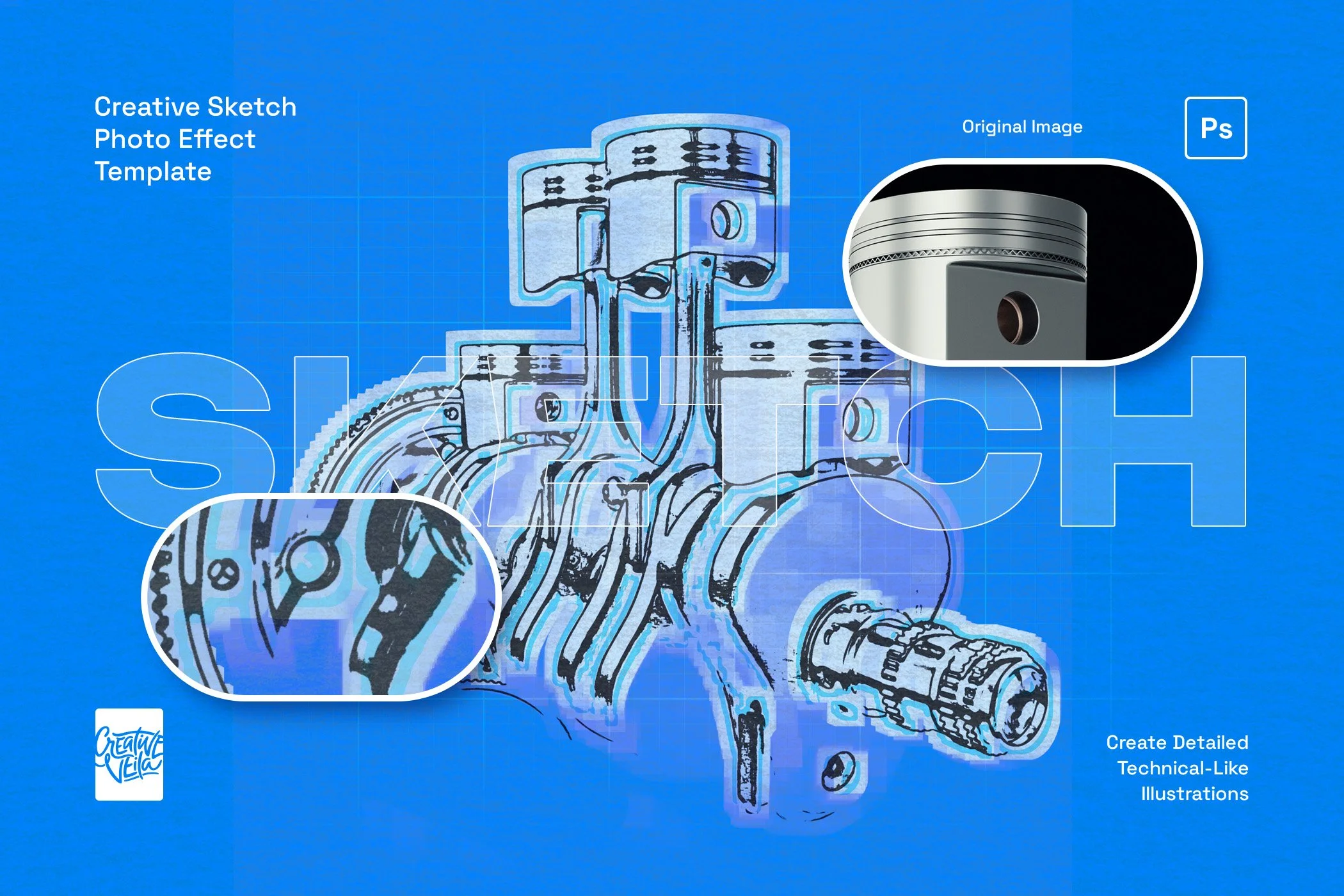
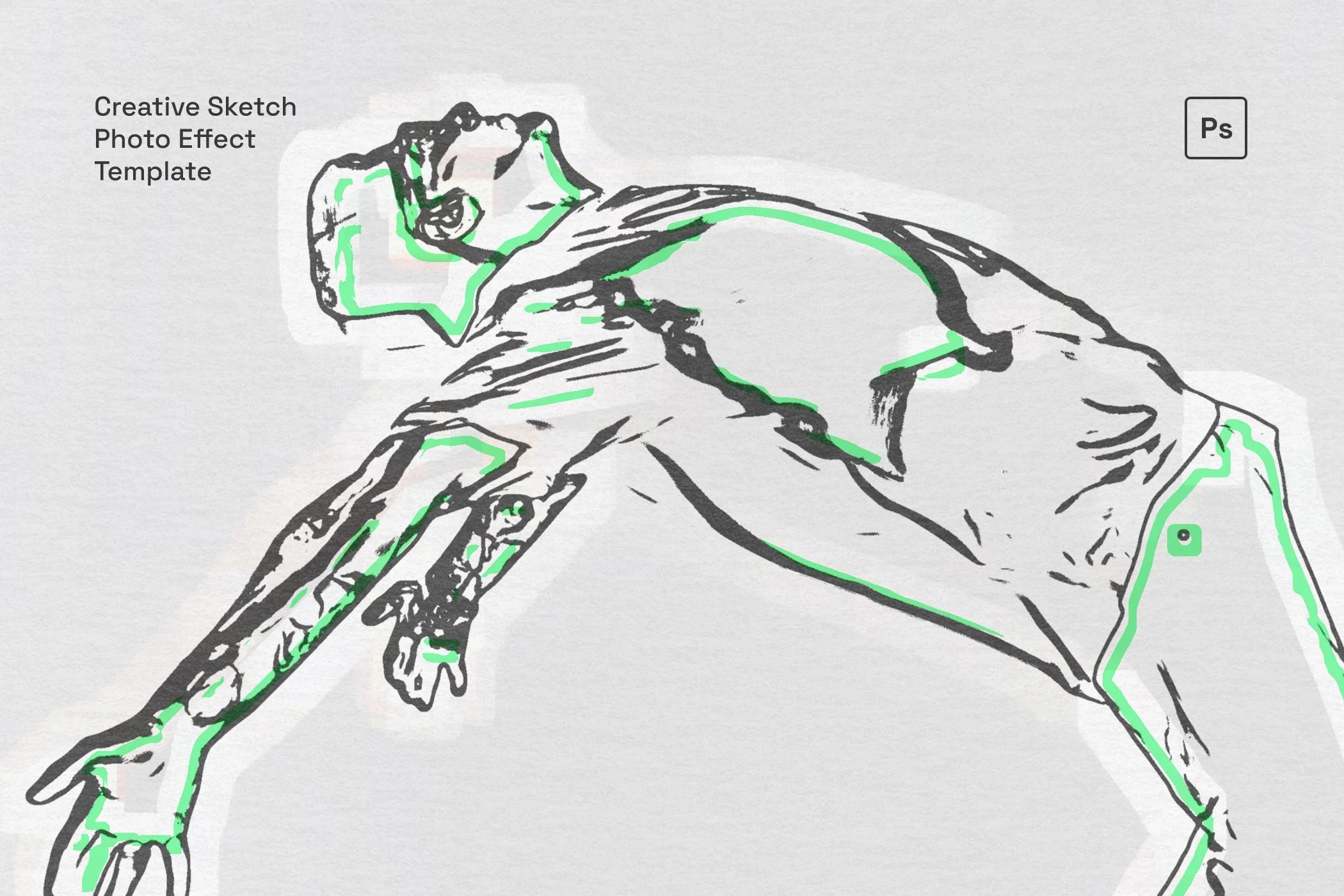
Turn any photo into an expressive hand-drawn composition with this Creative Sketch Photo Effect for Adobe Photoshop.
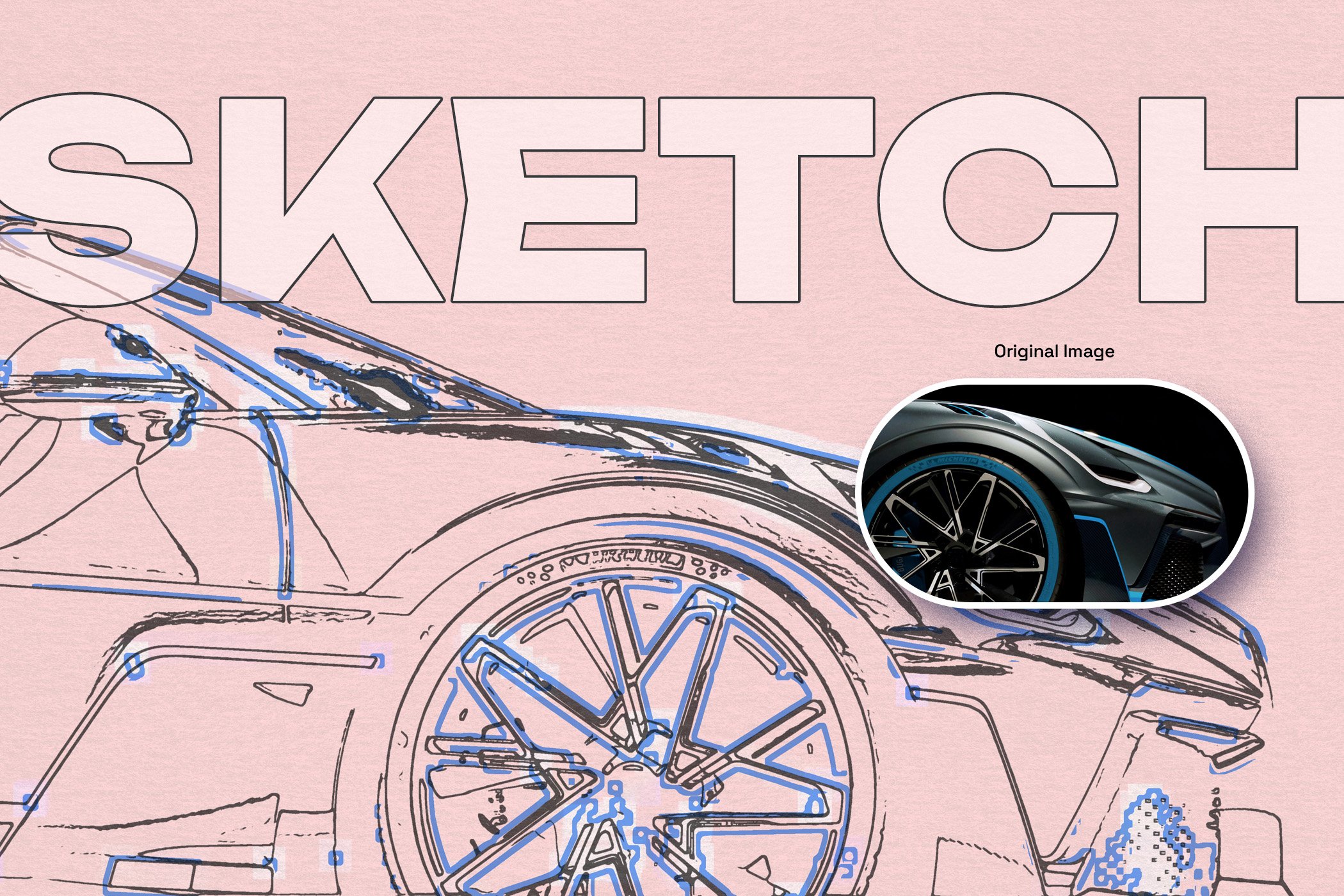
It recreates the look of a realistic sketch drawing while adding extra visual character through a marker-style outline and an artistic base fill, giving every image a layered, crafted appearance instead of a flat filter finish.
The result feels detailed, tactile, and intentionally illustrated, with enough structure to preserve the subject while introducing a fresh artistic edge. Delivering highly detailed subjects, it’s perfect for generating blueprint-like architectural drafts and precise technical illustrations. Beyond technical work, it beautifully captures the essence of travel sketching, turning cityscapes and landmarks into evocative visual diary entries.
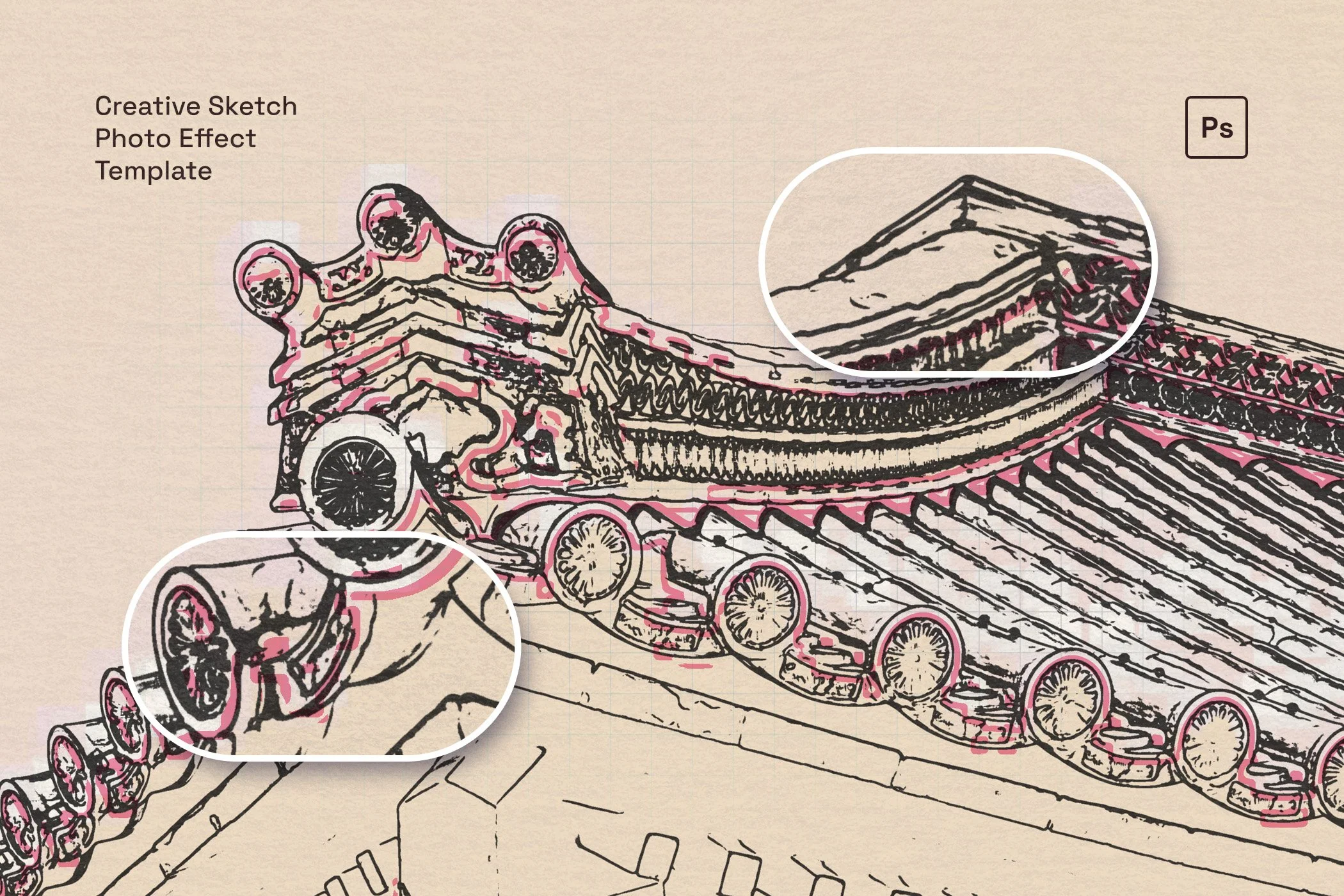
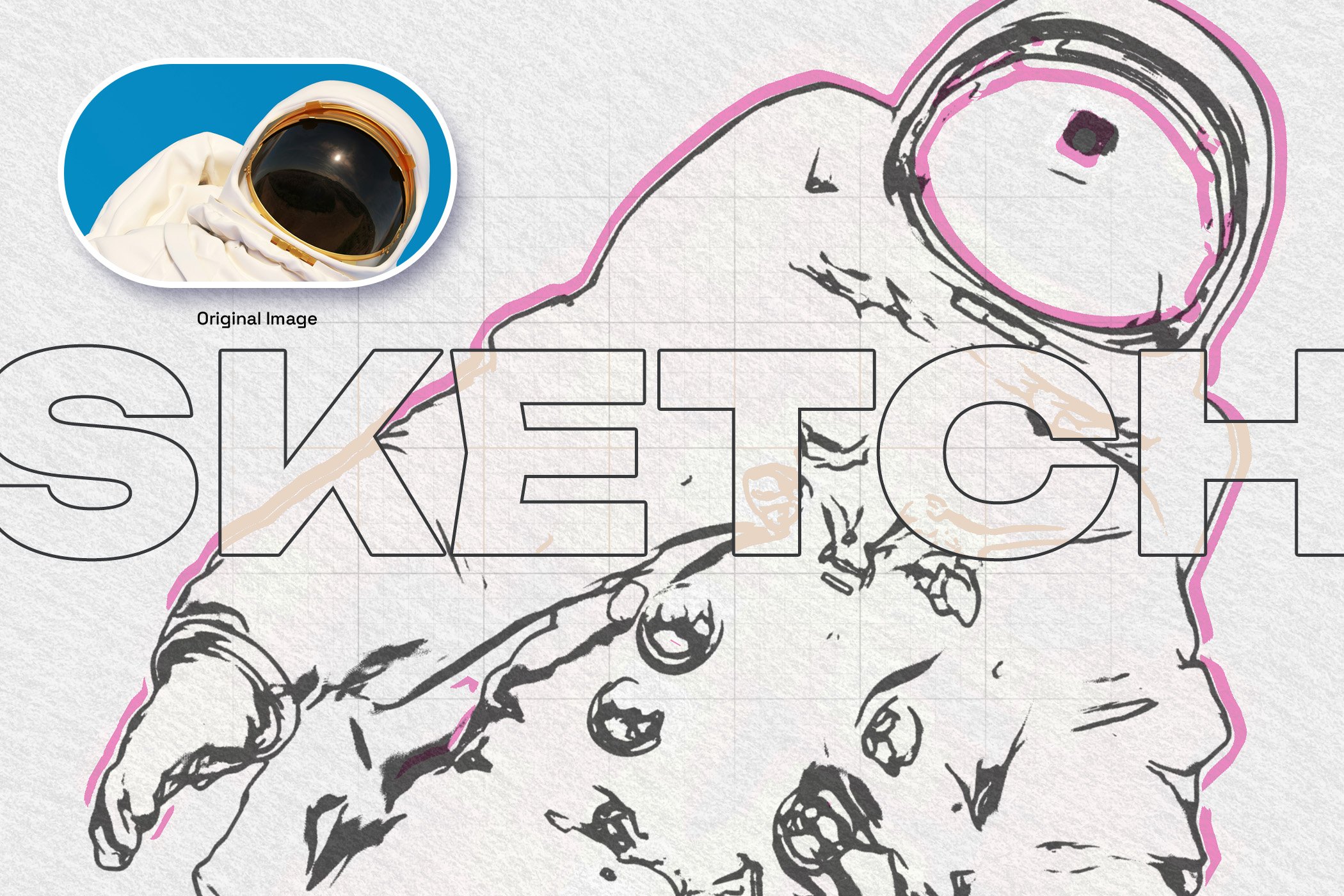
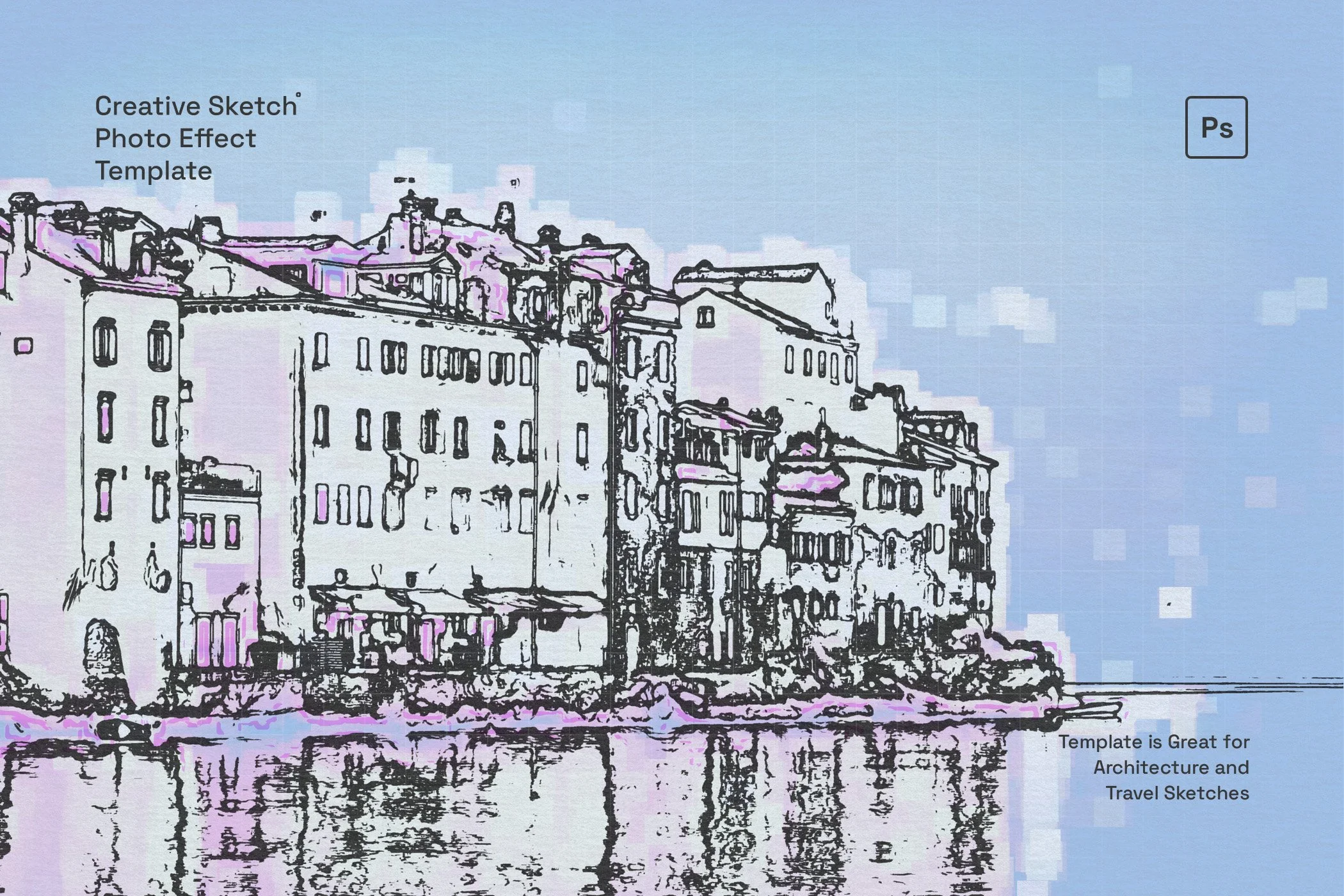
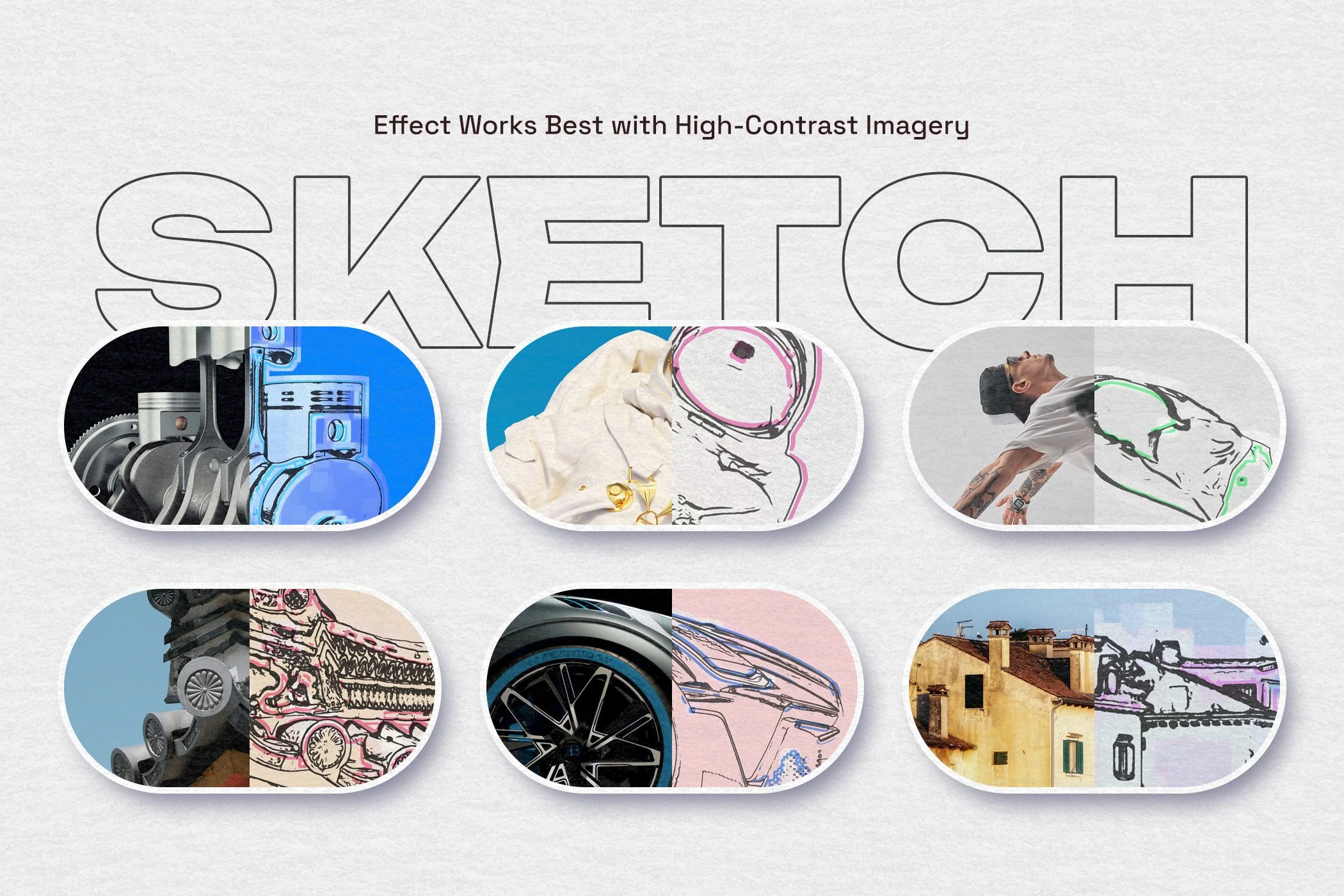
This template works especially well for subjects that benefit from strong structure and contrast. High-contrast images tend to bring out the most convincing results, helping the lines, fills, and layered accents read clearly across the final composition.
Designed for both efficiency and premium quality, this Photoshop effect is incredibly user-friendly, allowing you to achieve complex artistic results in just a few clicks. Utilizing intuitive Smart Object layers, the template non-destructively applies the sketch magic to your original images, leaving you with full control over the final output.
Whether you are preparing portfolio visuals, editorial artwork, social media graphics, poster concepts, or product presentation images, this effect offers a fast way to achieve a stylized sketch aesthetic without losing realism.
Package includes:
Super organized, color-coded PSD file
High-res 300 DPI (print ready)
Canvas size: 4500x3000px (landscape)
Realistic sketch effect
Optional marker outline effect
Optional artistic effect layer
Bonus grid texture
Adjustable background color
This template is created and fully compatible with Adobe Photoshop. For the best experience, we recommend using the latest Creative Cloud version of the app.
-
This template is specifically designed for Adobe Photoshop. For the best performance and compatibility, we recommend using the latest version of Photoshop CC.
-
The template is built using Smart Objects, making it incredibly easy to use. Simply double-click the designated Smart Object layer in the layers panel, paste your image inside, save, and close the tab. The sketch, marker, and fill effects will instantly apply to your photo.
-
The effect yields the best results when paired with high-contrast imagery. Photos with well-defined shapes, strong lighting, and clear silhouettes, such as architecture, machinery, vehicles, and distinct portraits—will translate beautifully into the blueprint and technical sketch aesthetic.
-
Yes, the effect is fully layered. You can easily toggle the visibility or adjust the opacity of the distinct elements, such as the marker outlines or the artistic base fill, to create the exact mixed-media look you want.
-
No, the photos used in the preview images are for demonstration purposes only to showcase the effect's capabilities. The final download includes the Photoshop template file ready for your own imagery
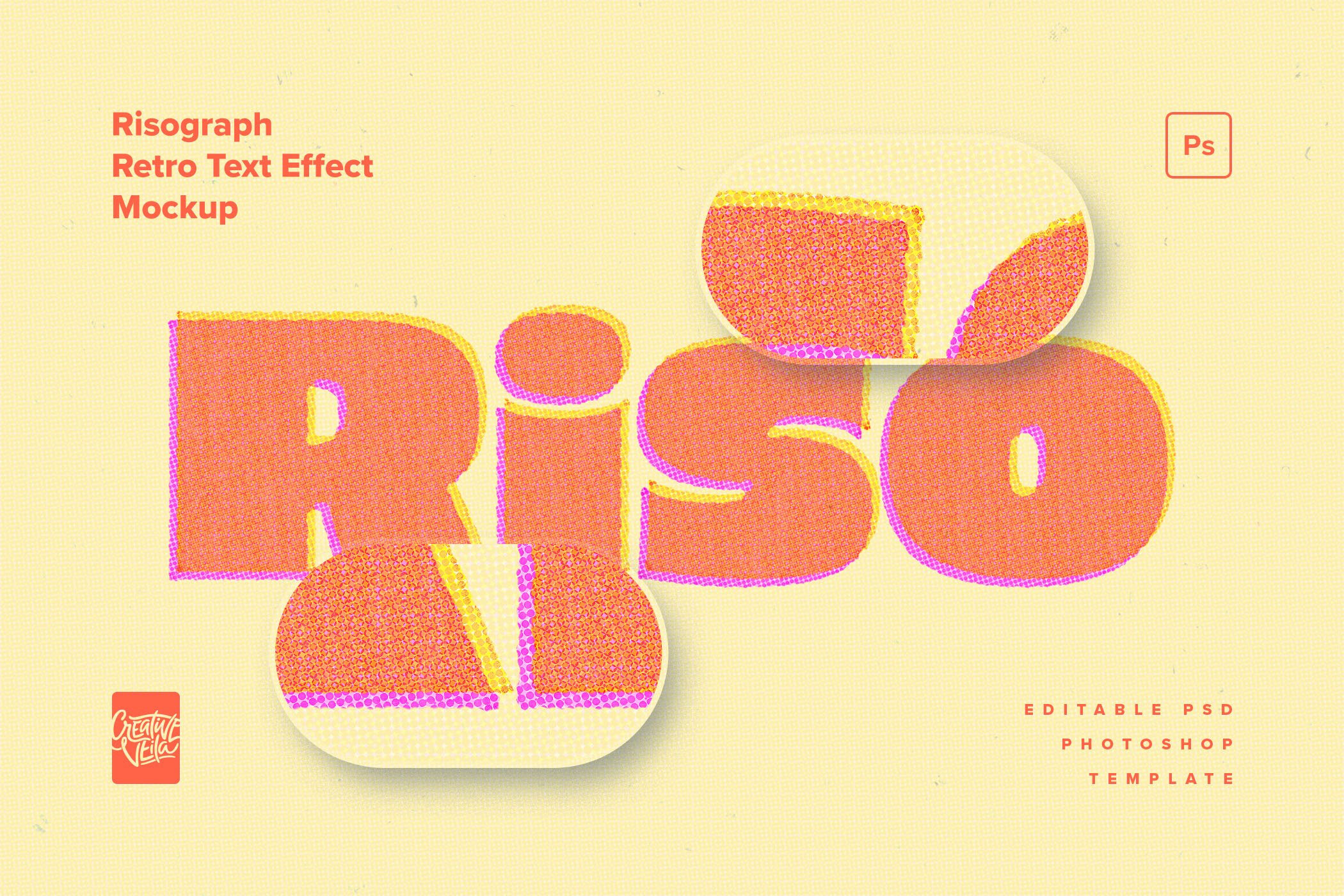



A modern text effect inspired by blueprints, grids, and UI design, perfect for tech-forward visuals, bold headers, and clean editorial layouts.