
Ink Bleed Effects & Stamp Mockups
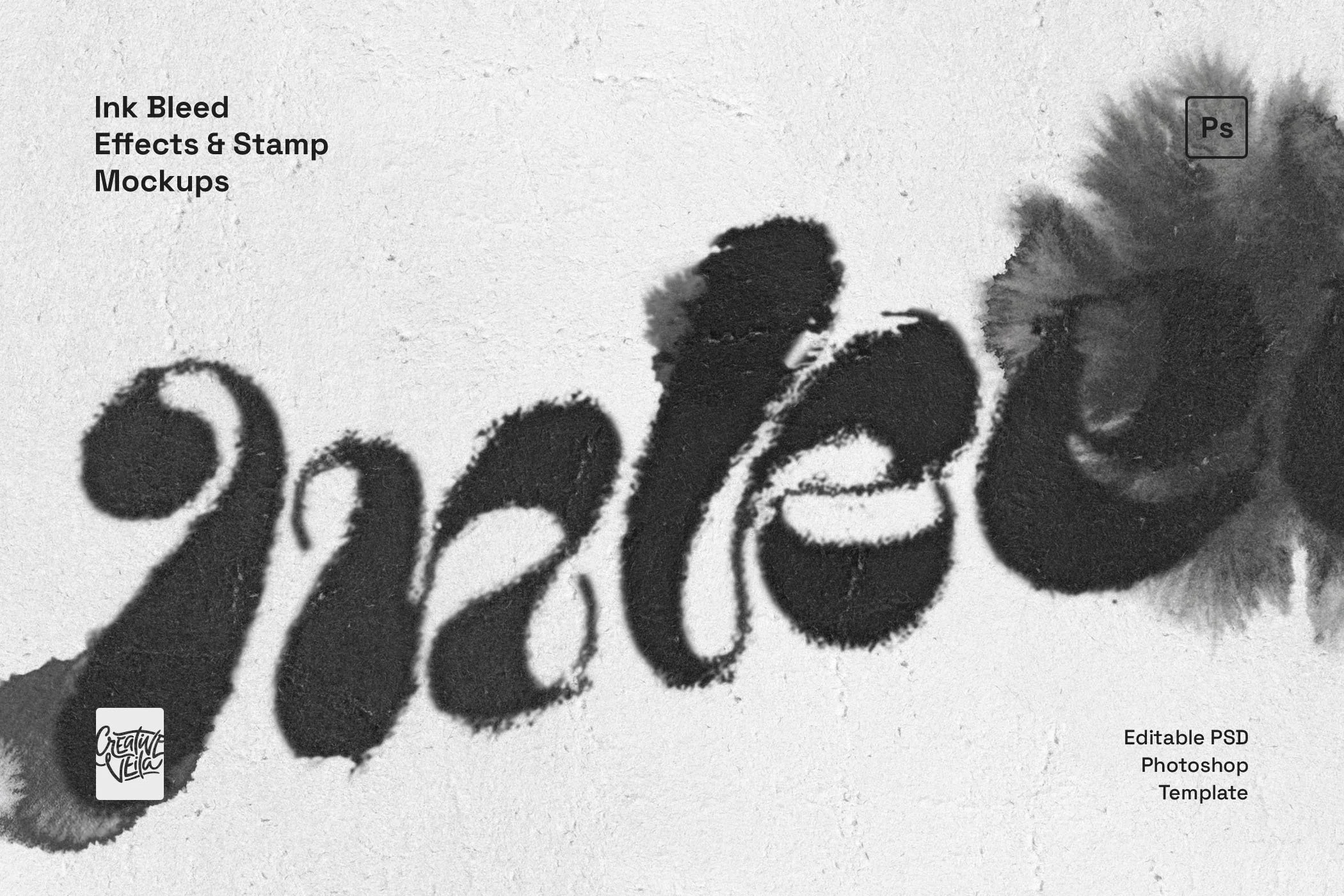
There’s something special about the way ink soaks into fiber. That slight bleed where the edge of a letter gets fuzzy and unpredictable. This PSD template replicates that exact, messy organic quality.
We aren't just talking about a simple overlay here; we're talking about recording the granular, microscopic disorder that occurs when ink hits paper, giving your digital work a tactile, "lived-in" feeling that clean vectors just can't emulate.
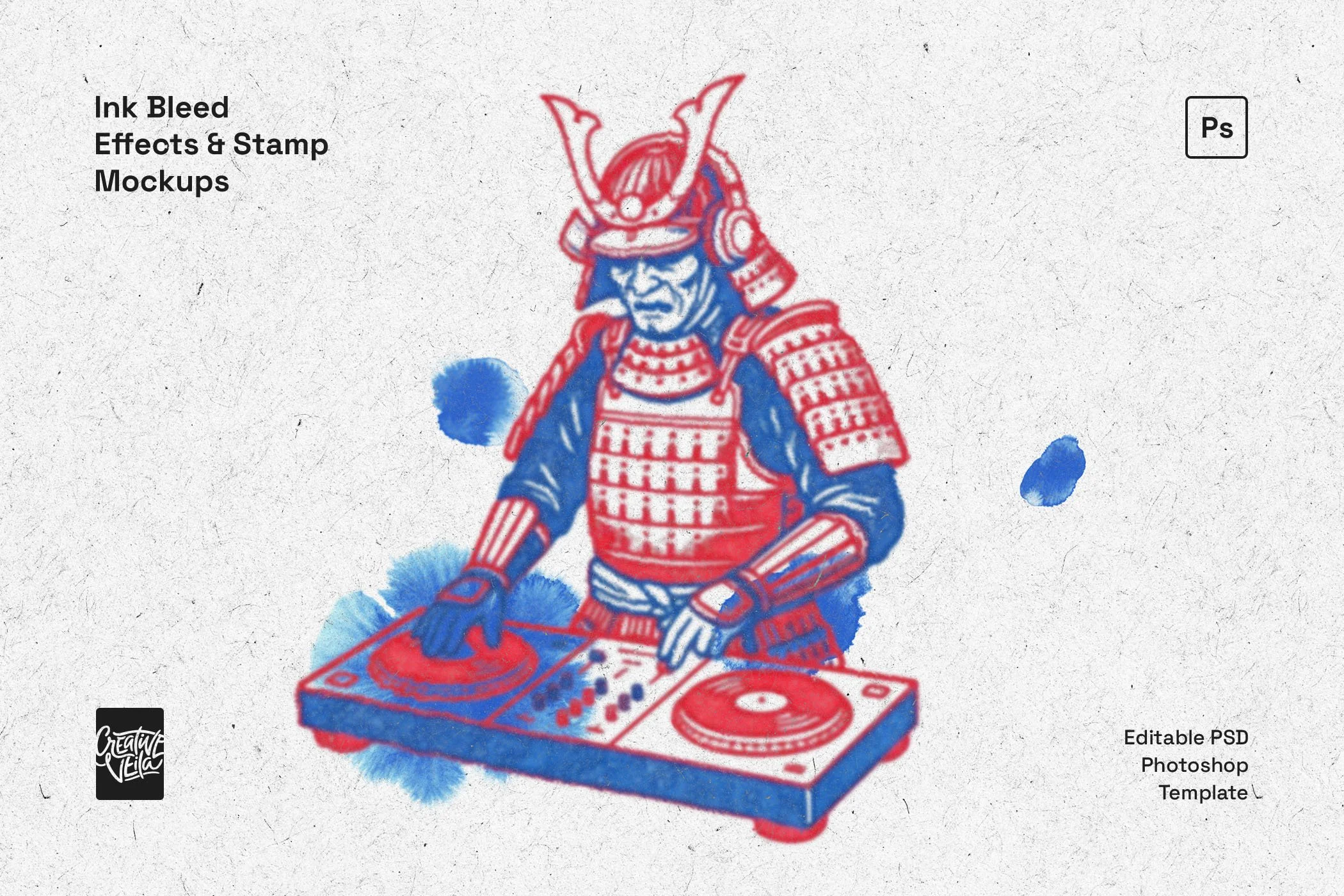
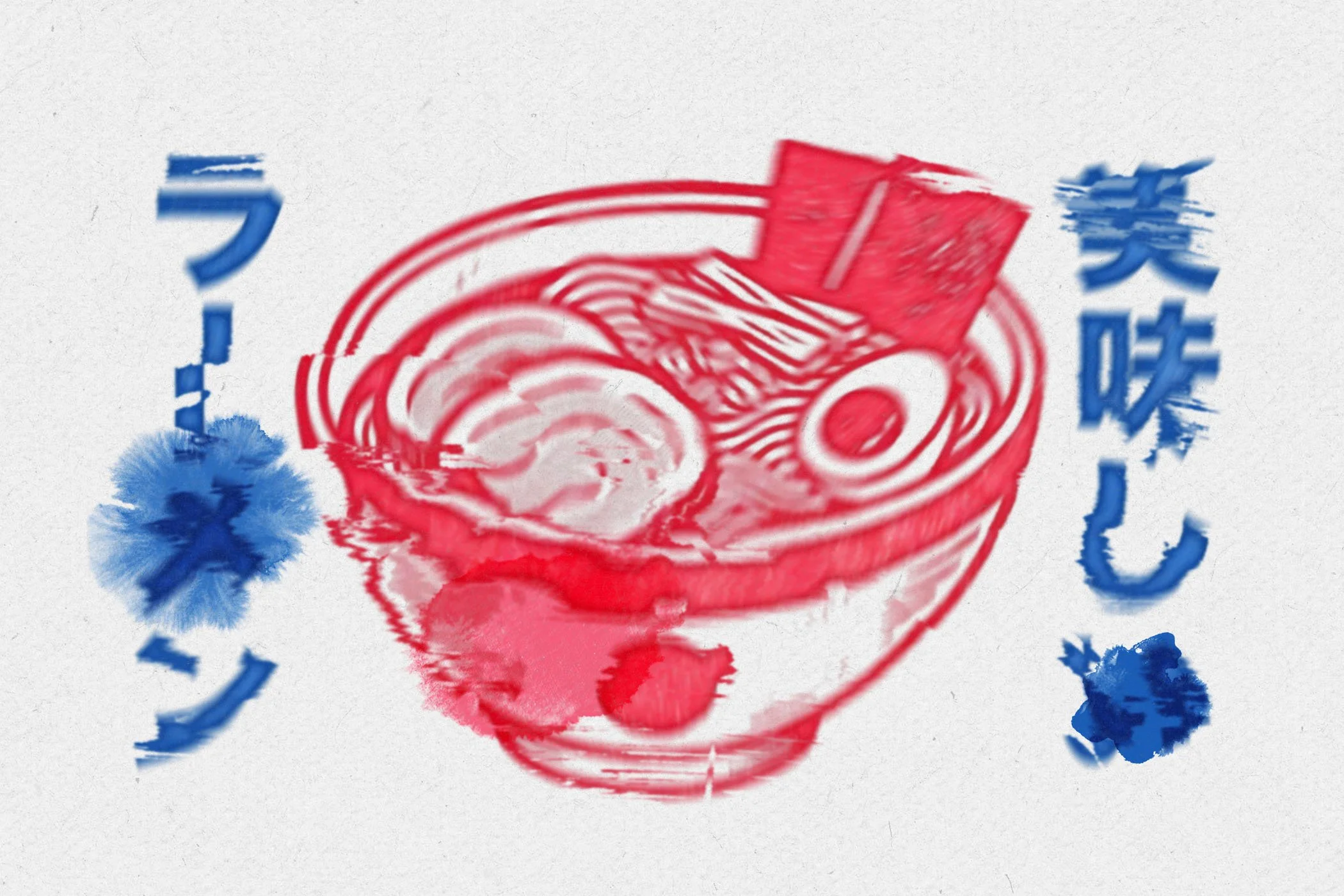
It’s the kind of texture that works on pretty much anything that needs to feel tangible. Maybe you’re working on a badge that needs to look stamped by hand, or perhaps a vintage branding project that feels too sterile. You can use these effects to rough up a logotype, give a gig poster that screen-printed vibe, or add a sense of history to packaging design. Keep it subtle for a bit of character, or crank it up for a heavy, grungy streetwear aesthetic.
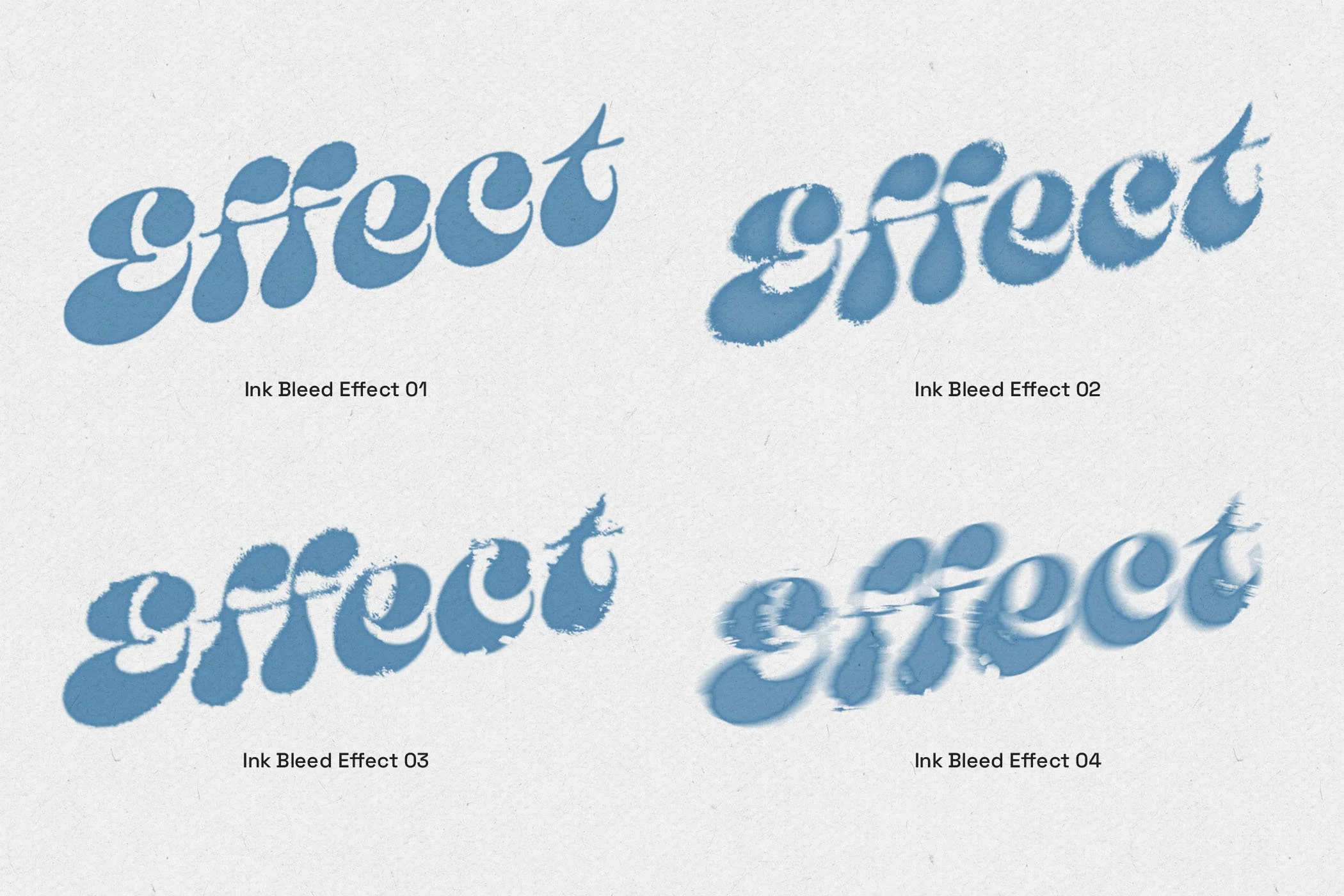
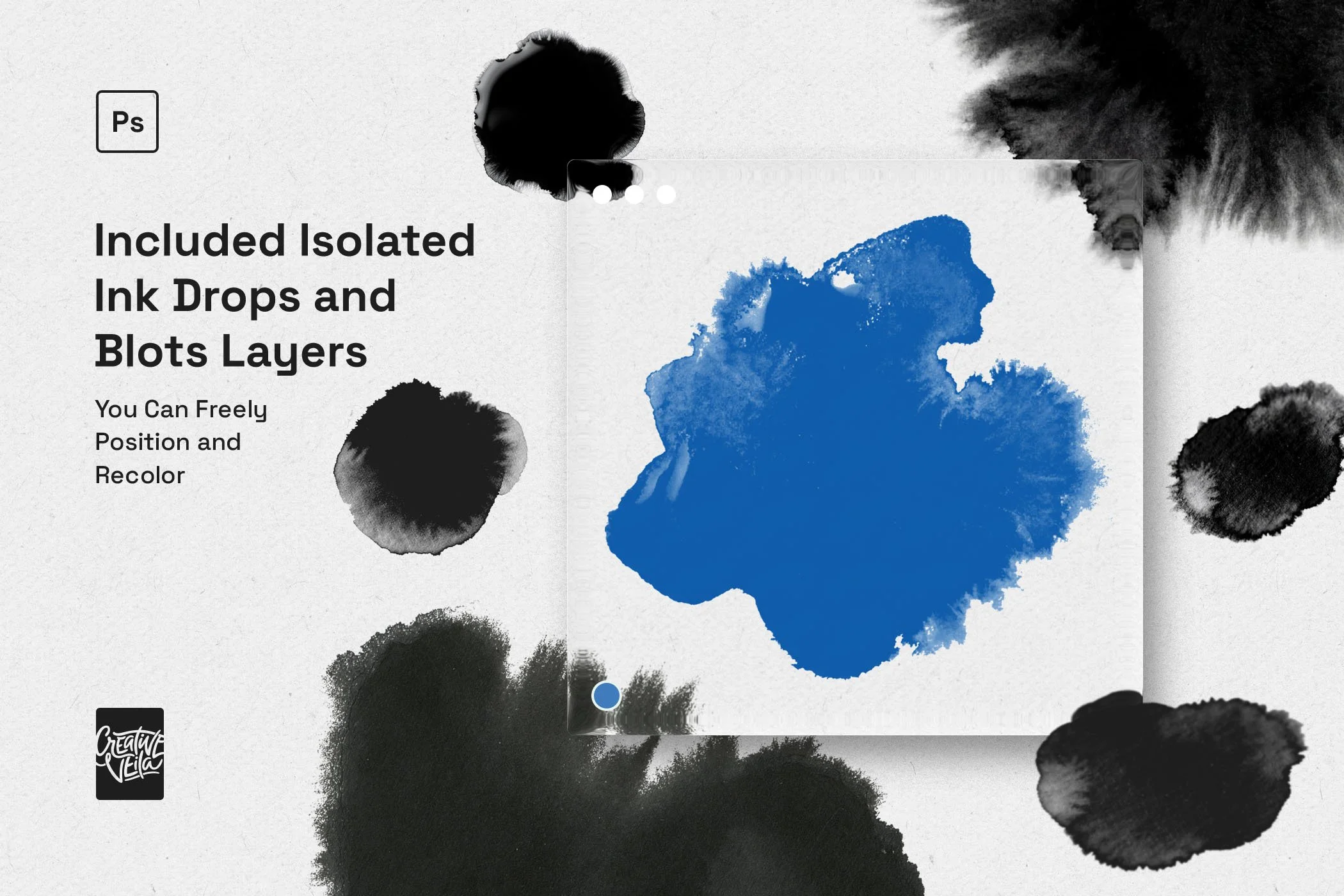
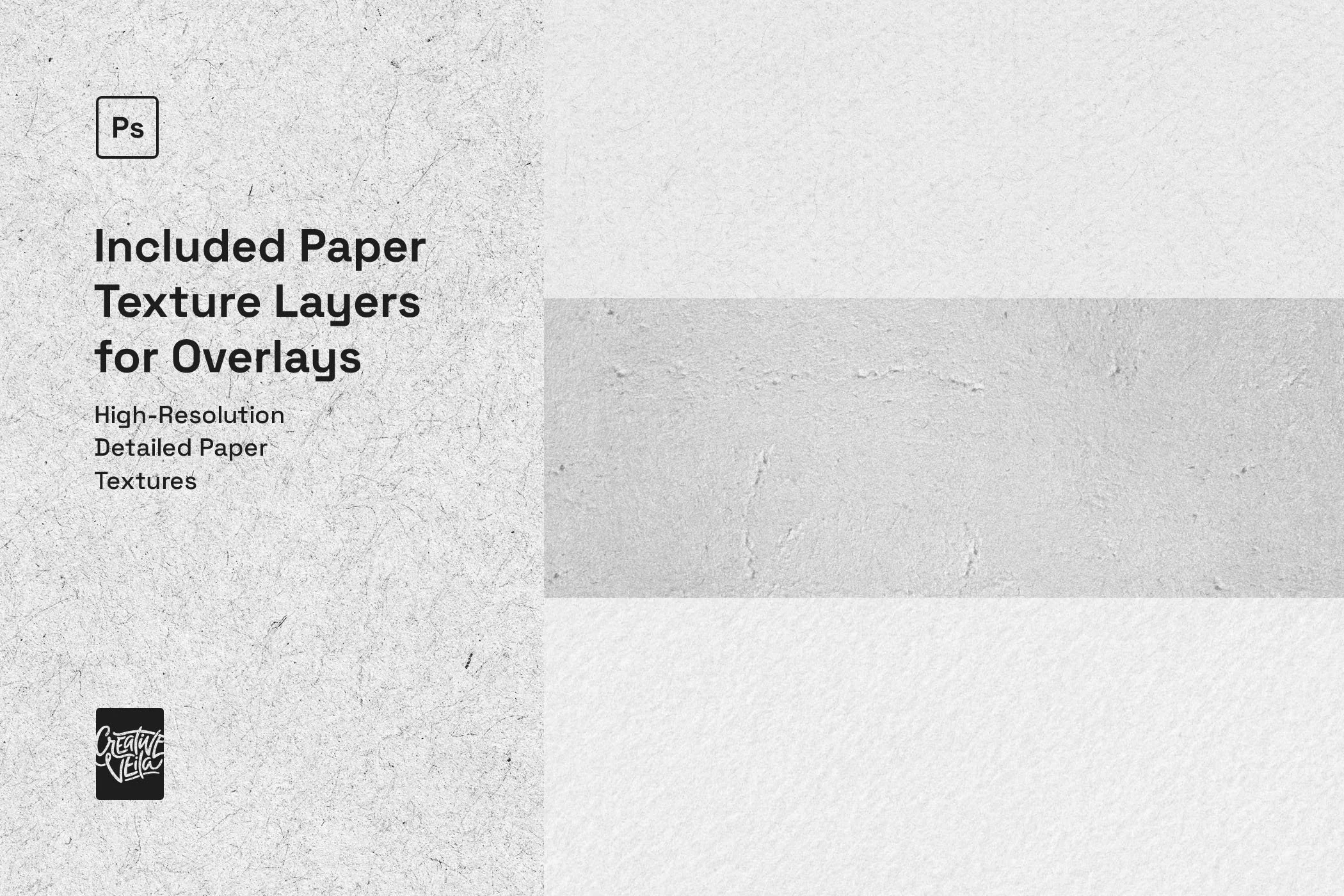
We’ve set this up to be versatile. You get four distinct stamp styles, ranging from soft feathering to deep distortion. To back that up, we included four high-res paper textures that actually interact with the ink layers, plus 8 isolated ink splatters and drops. You can move, recolor, or delete those blots to get the composition right.
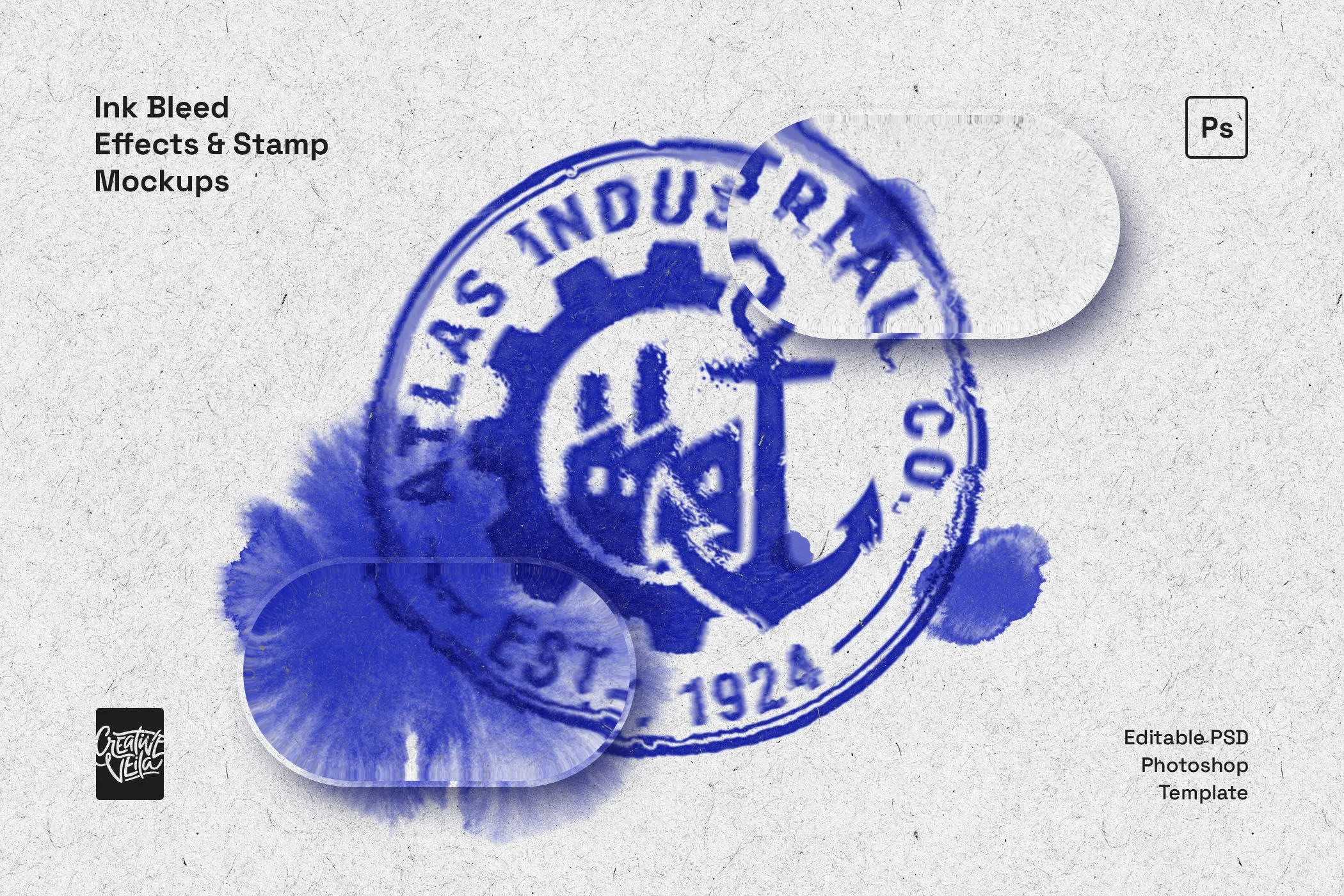
The workflow is standard for anyone used to mockups: Smart Objects. Paste your art (raster or vector) inside, hit save, and the template handles the displacement and texturing automatically. It’s completely non-destructive, so your original assets stay safe.
Package includes:
Super organized, color-coded PSD file
High-res 300 DPI (Print Ready)
Canvas size: 4500x3000px (Landscape)
4 Unique Stamp/Ink Styles
4 Real Paper Textures
8 Isolated Ink Splatter Layers
Adjustable overlay colors
This template is created and fully compatible with Adobe Photoshop. For the best experience, we recommend using the latest Creative Cloud version of the app.
-
Bold and high-contrast stuff works best. Think chunky typography, logos, or solid shapes. Detailed illustrations can work, but the bleed effect really shines when it has thick lines to "soak" into. Black ink on white paper looks the most dramatic, but colored artwork comes out really rich and saturated, like a fresh print.
-
Yeah, absolutely. Since there are four different stamp effects, you start by choosing the one that fits the vibe (light vs. heavy). From there, you can tweak opacity or mask out parts you don't want. It’s all layered, so you can mix and match until it looks right.
-
As long as you’re on CS6 or anything newer (CC), you’re good. It uses standard adjustment layers and filters—no weird plugins or scripts required.
-
Definitely. They are high-res scans of actual paper stock, showing the grain and fiber. They look great on screens, but they hold up just fine for physical posters, zines, or packaging labels.
-
Go for it. The license covers commercial projects. Use it for branding, merch, client deliverables, or your own portfolio. No extra fees or headaches.
-
Yes. We included four different paper textures (from clean to gritty) so you can match the mood, but you can also hide them and use your own background if you want.
-
No, they are on their own layers. You get 10 isolated splatters you can drag, resize, or recolor to frame your design perfectly.



A modern text effect inspired by blueprints, grids, and UI design, perfect for tech-forward visuals, bold headers, and clean editorial layouts.