
Plastic Texture Overlay Pack
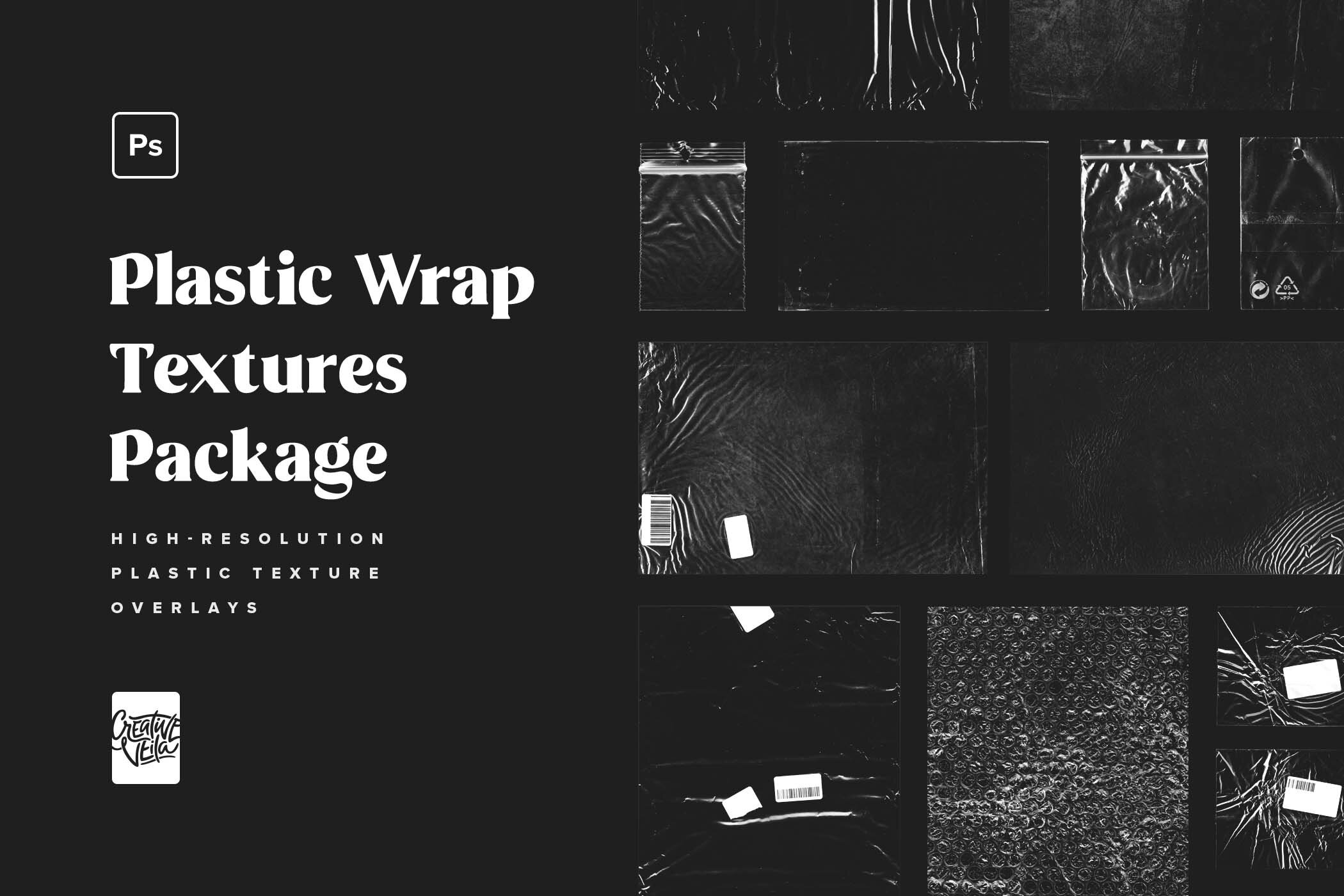
A pack of 12 various high-resolution plastic wrap texture overlays.
Realistic Scanned Plastic Textures
Transparent plastic textures, packaging bubble wrap, plastic bags and sleeves, and more — we’ve gathered a pack of 12 various high-resolution texture overlays you can use for any graphic design project! The realistic appearance and usability of the assets were the main focus of this product. However, we still had tons of fun working with it and creating preview images for the presentation.
Hi-res scanning was the easy part, though we turned our studio into a mess looking for every piece of plastic we could use. After setting the layer styles of the textures to beautifully overlay other objects, text, and even other textures in Photoshop, we were stunned with how good they worked!
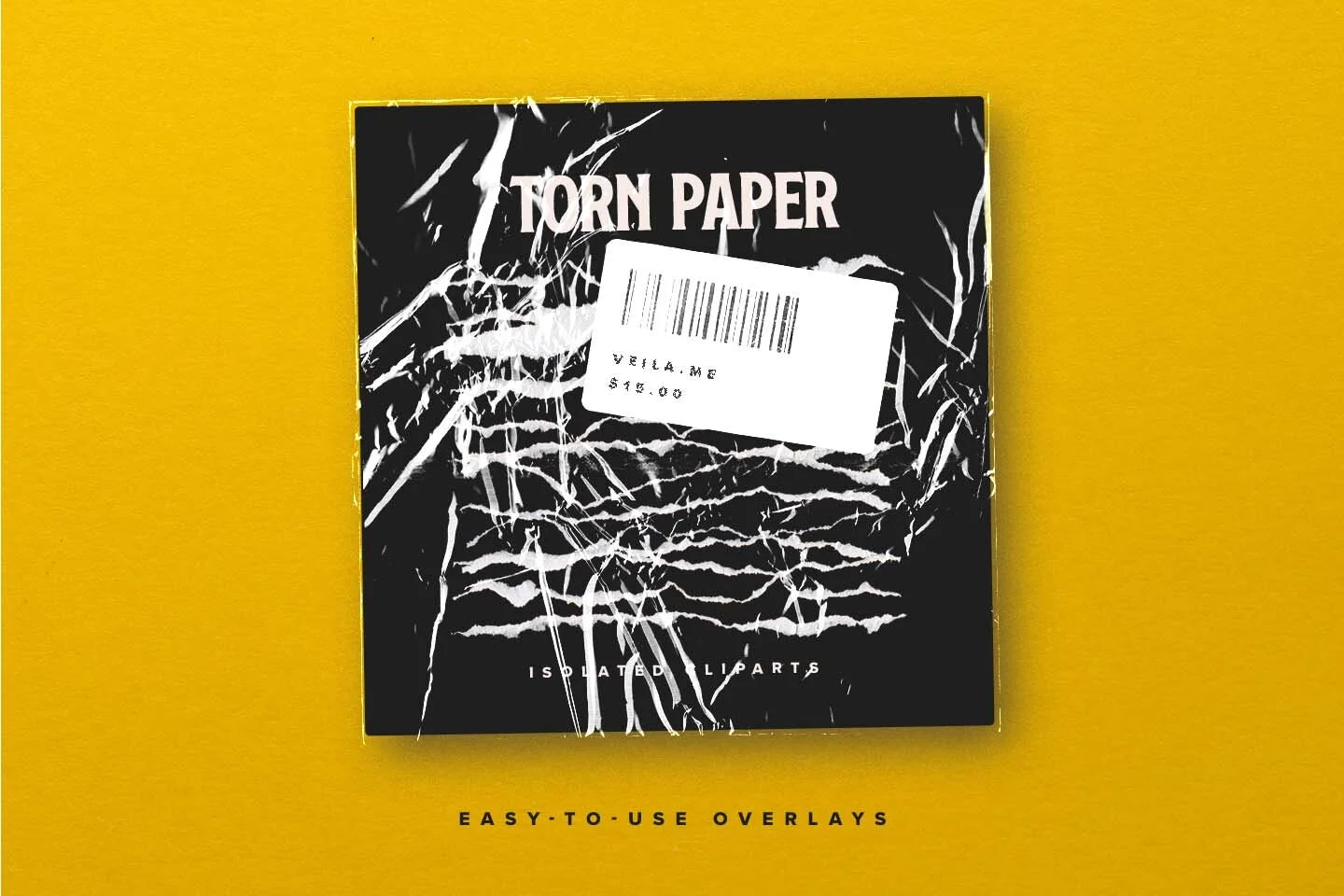
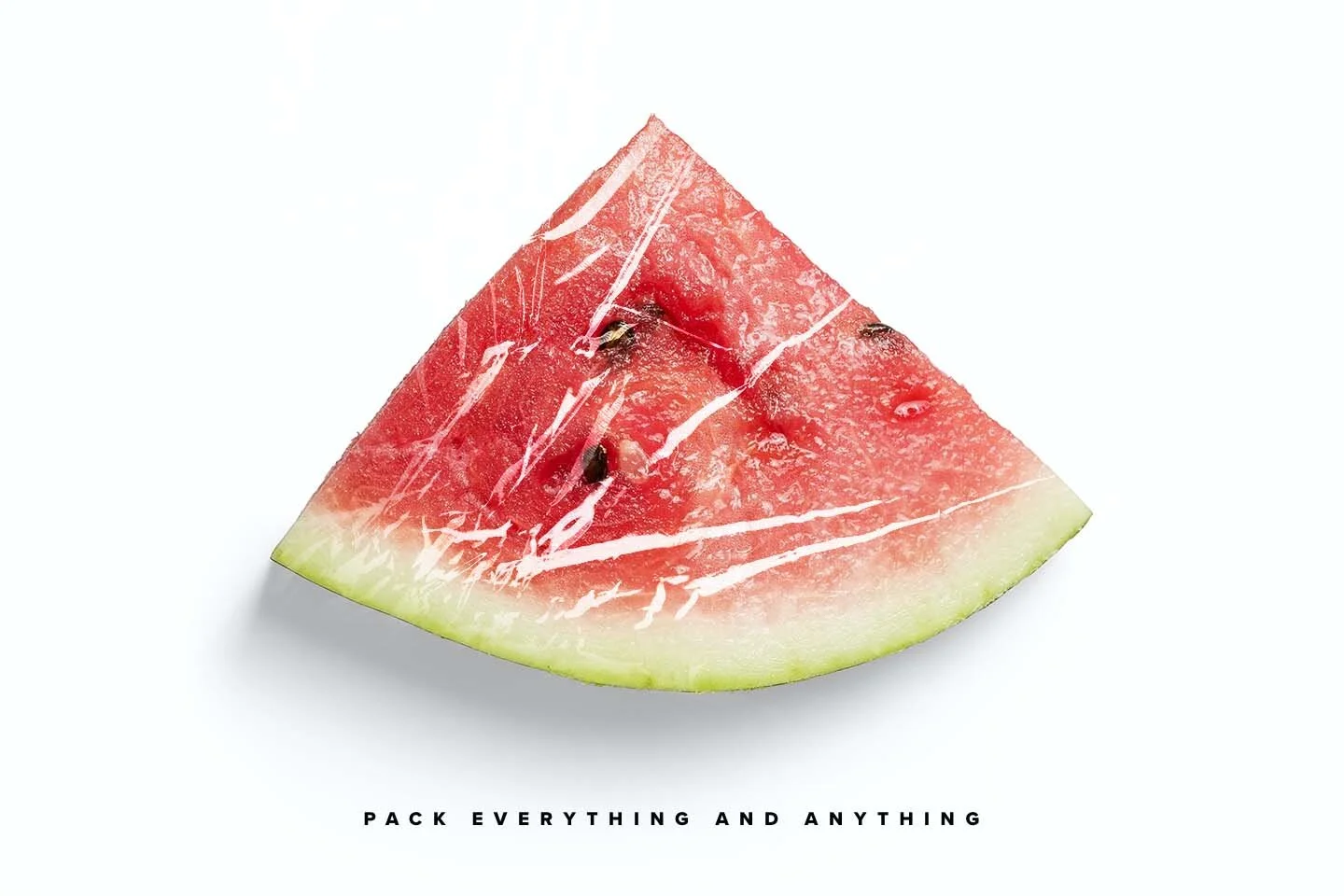
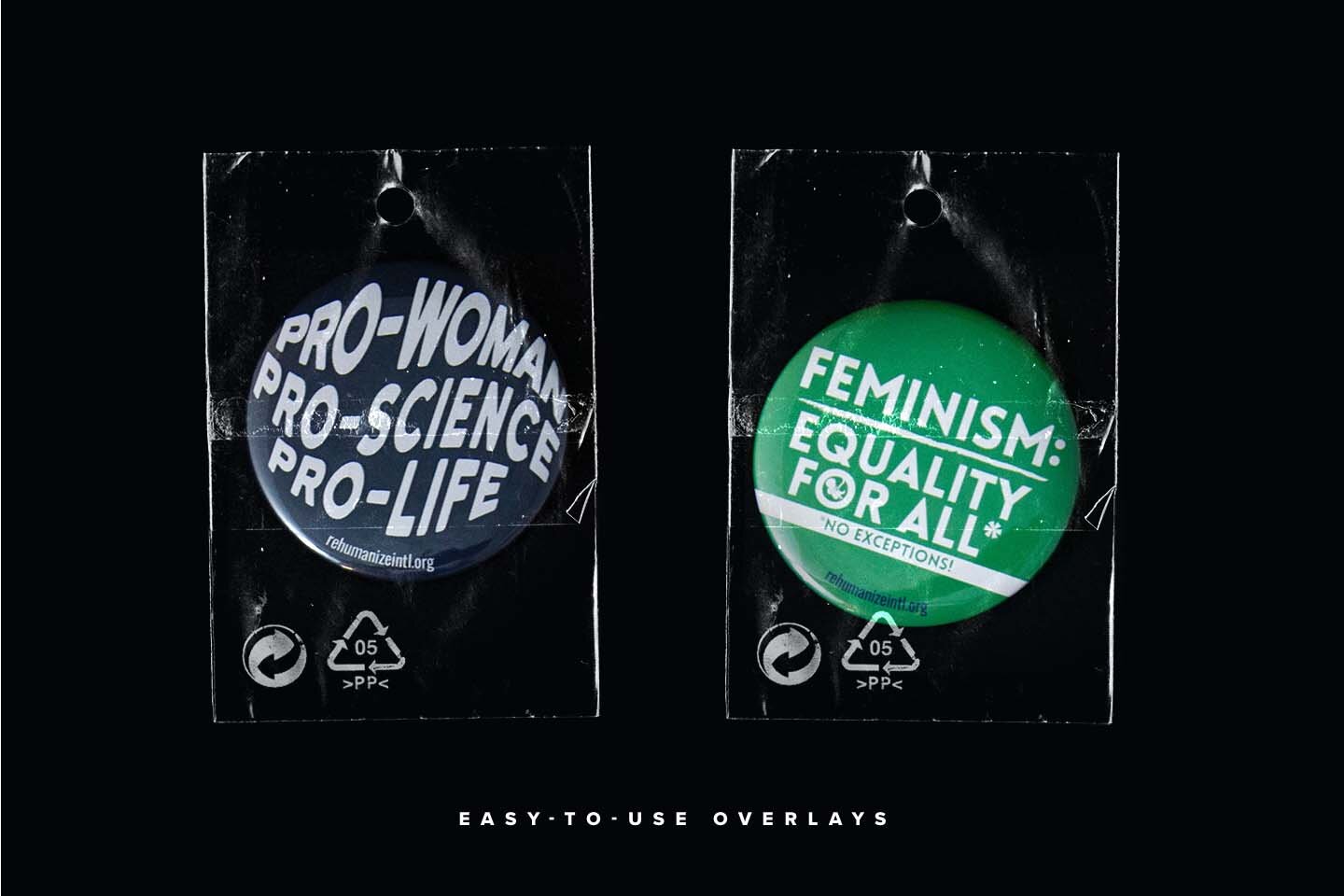
Create a Plastic Wrap Packaging Effect
With these plastic wrap textures, it’s elementary to create a package effect on almost any object in your graphic design project. Books, music albums, comics, merchandise, boxes, pin badges, and what not! Just pick the right texture, and overlay the target object with it. If the texture does not correctly match, feel free to transform it a bit, crop as you need, or apply as a clipping mask.
Want more variety? Our second pack, Plastic Wrap Overlays & Cliparts, adds 20 textures plus neon gradient overlays for a vivid look.
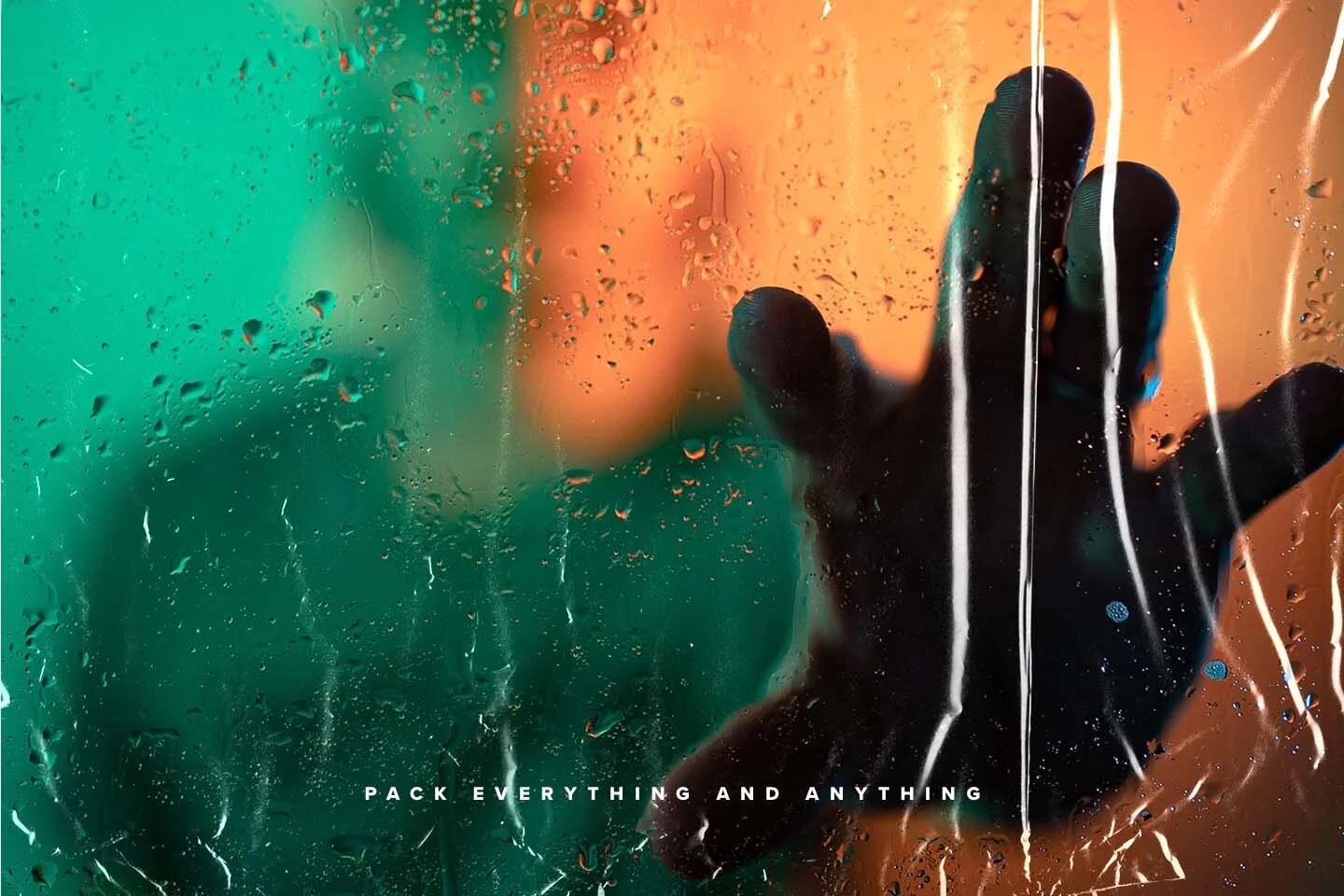


Naturally, the textures work best on dark backgrounds but still look legit on the light ones. So, you don’t have to limit yourself with assets.
Create a Plastic Cover Effect
A plastic cover effect is the flat cousin of the wrap. Where wrap hugs a three-dimensional product, a cover sits across a surface — the glossy sleeve on a hardback, the film on a magazine, the sealed sheath around a vinyl record.
The build is the same, with one change. Place your artwork, drop a plastic texture over it, and instead of letting the texture follow a contour, keep it flat and let the highlights carry the illusion. Mask back the spine and the edge where the film would open, and it reads immediately.
Two things sell a plastic cover effect. Keep every highlight running in one direction so the light source stays believable — mixed directions is what makes an overlay look pasted on. And leave the film very slightly misaligned with the artwork underneath. Plastic that fits perfectly looks like a filter; plastic that's a millimetre off looks like a photograph.
The smoother, less crumpled textures in the pack work best here. Save the heavily creased ones for wrap and packaging, where the distortion is part of the story.
Package includes:
Print-ready 300 DPI PSD template including 12 transparent plastic textures.
How-to-use PDF guide.



Turn artwork into realistic postage stamps with this Photoshop PSD mockup. Smart Object editing, printed text effects, editable backgrounds. 3000 × 2000 px.