
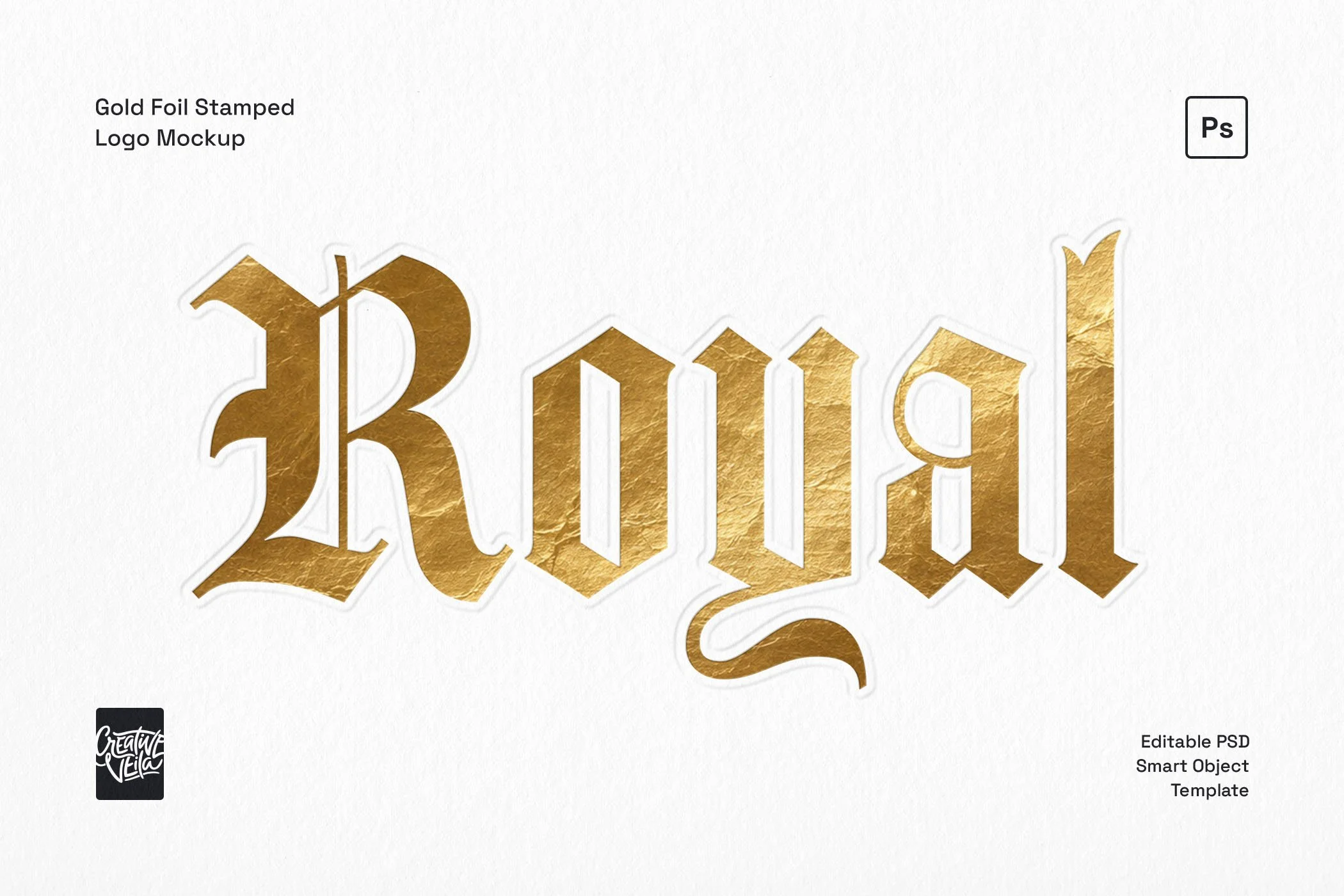
Gold foil on textured paper
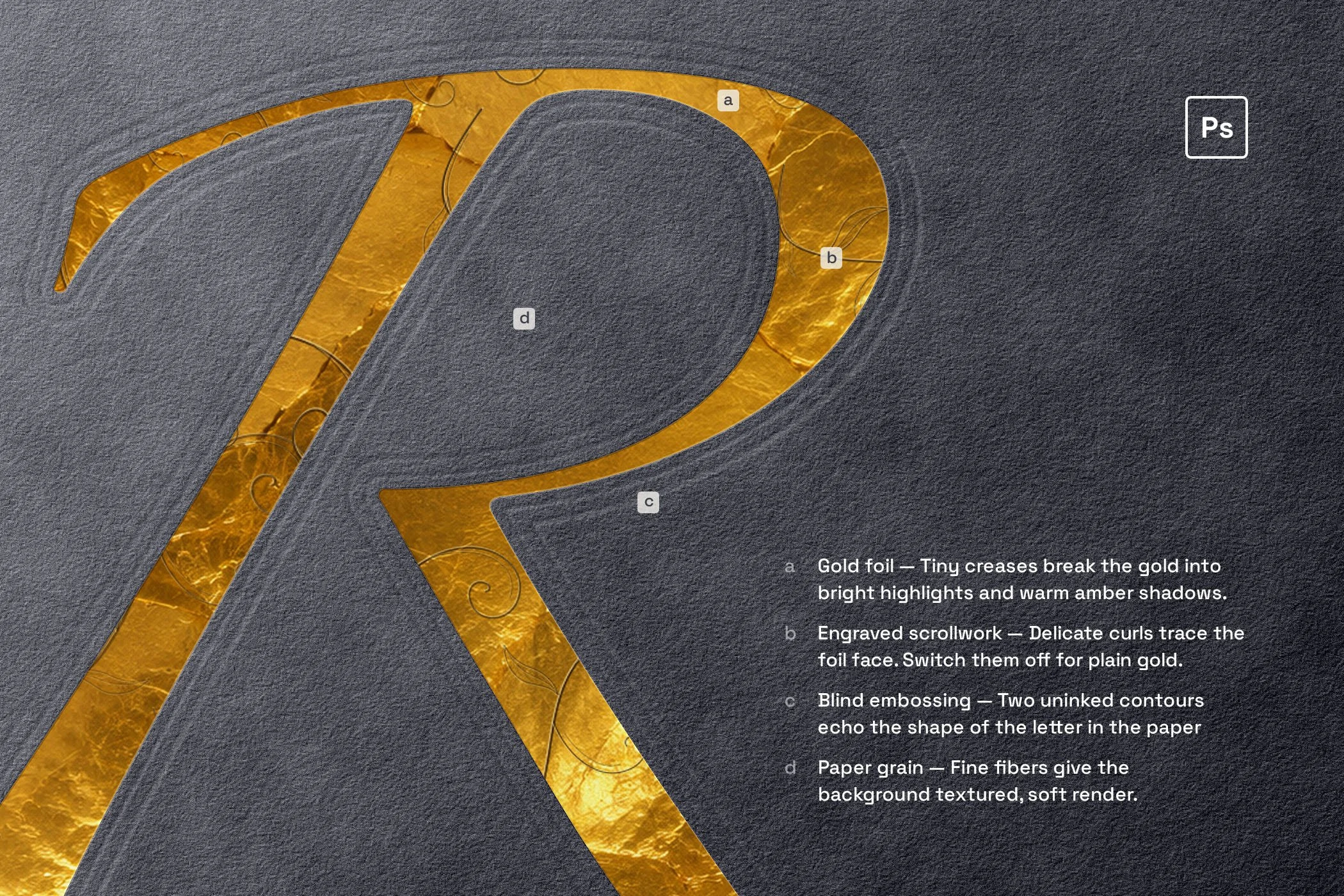
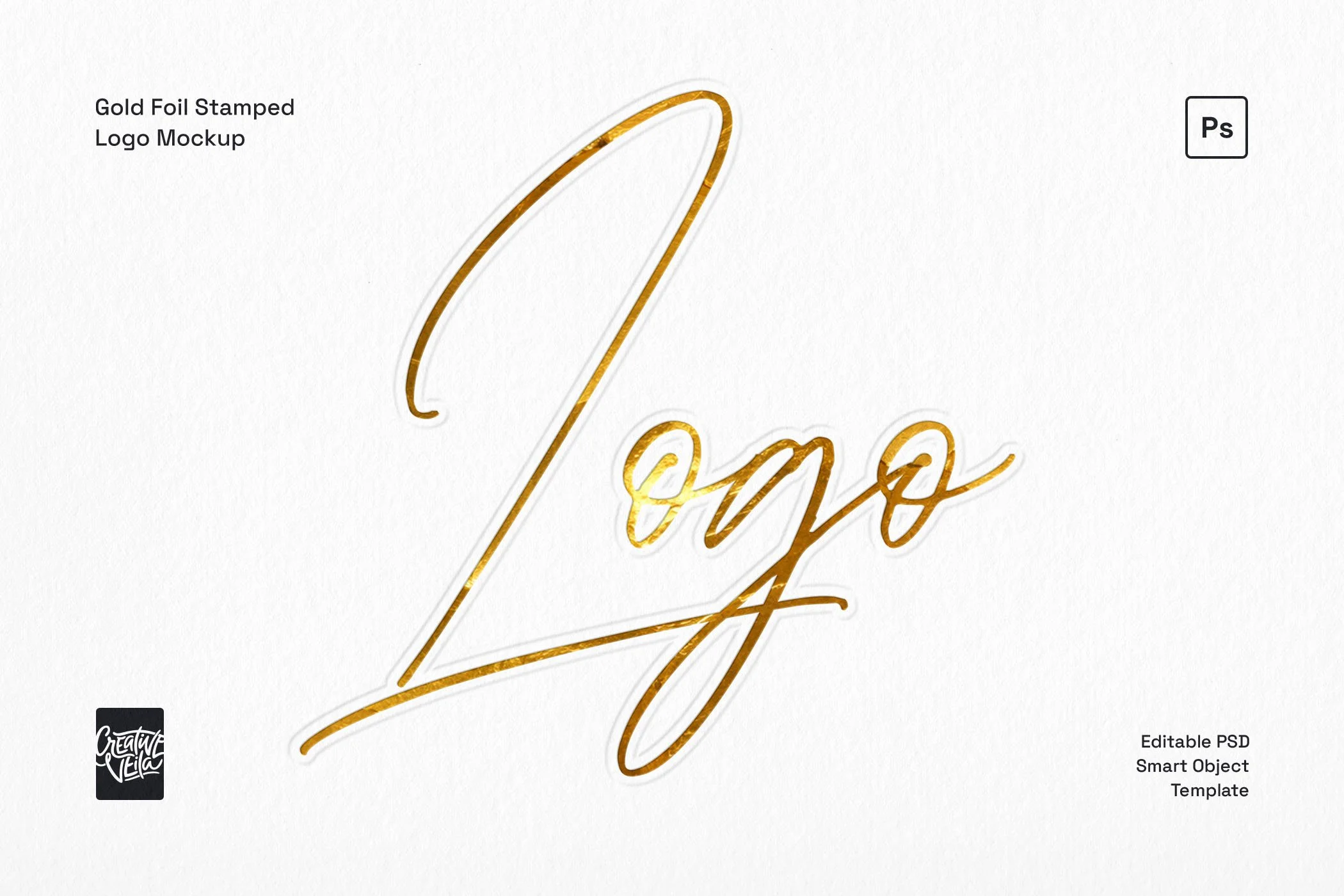
On a signature, gold foil catches the light in a thin, bright line. Across the broad downstroke of a blackletter R, there’s room to see the foil itself: a crease, a patch of warm amber, a highlight that breaks halfway across the letter. The shape of your logo matters as much as the gold you choose.
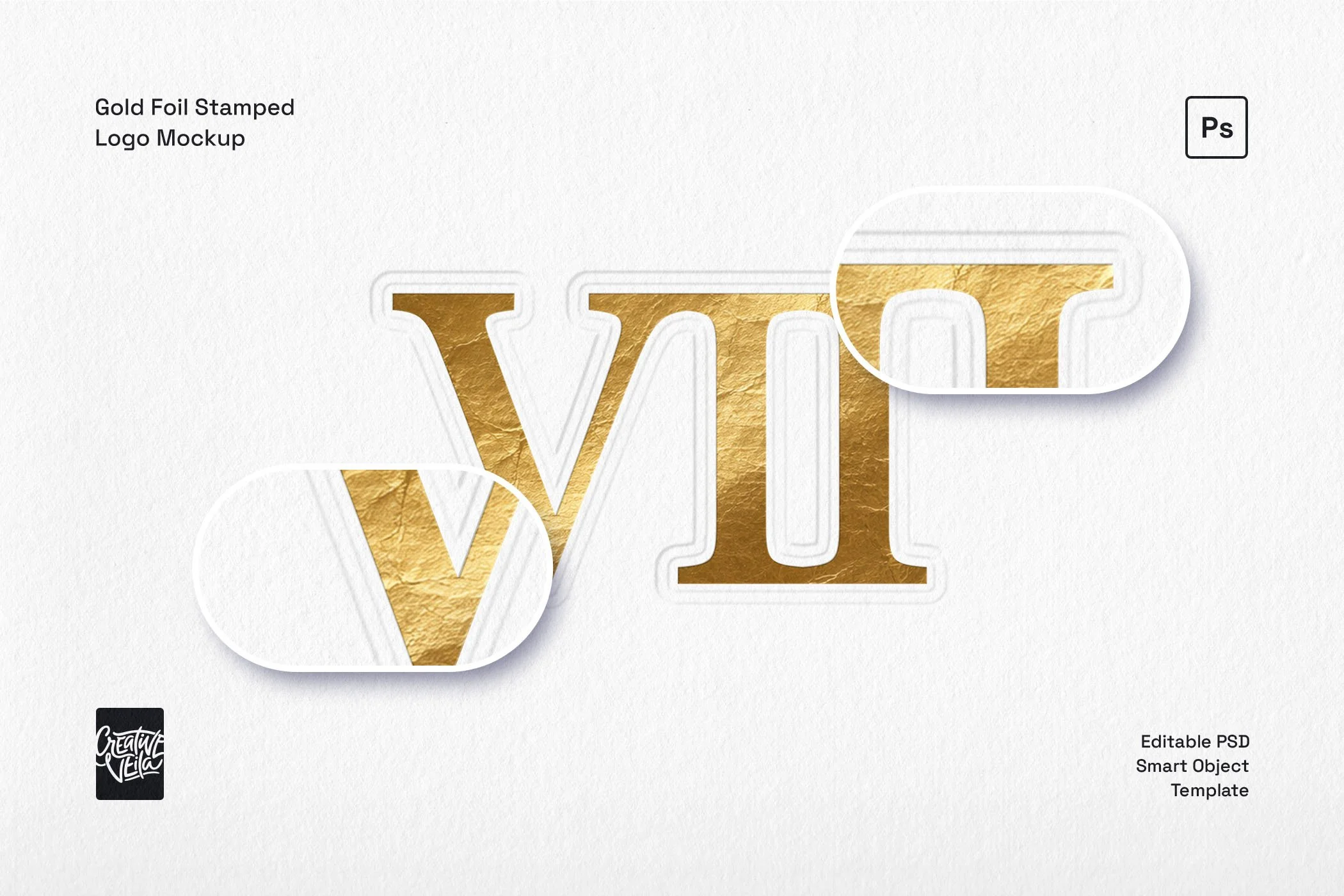
Look just beyond the gold, too. Three fine contours follow the lettering through bare paper. There’s no ink in those lines; a sliver of shadow is enough to draw them. Keep this blind emboss for a wedding monogram, add engraved scrollwork for an ornate bookplate, or turn both off and let the foil carry the design.
Choose your finish
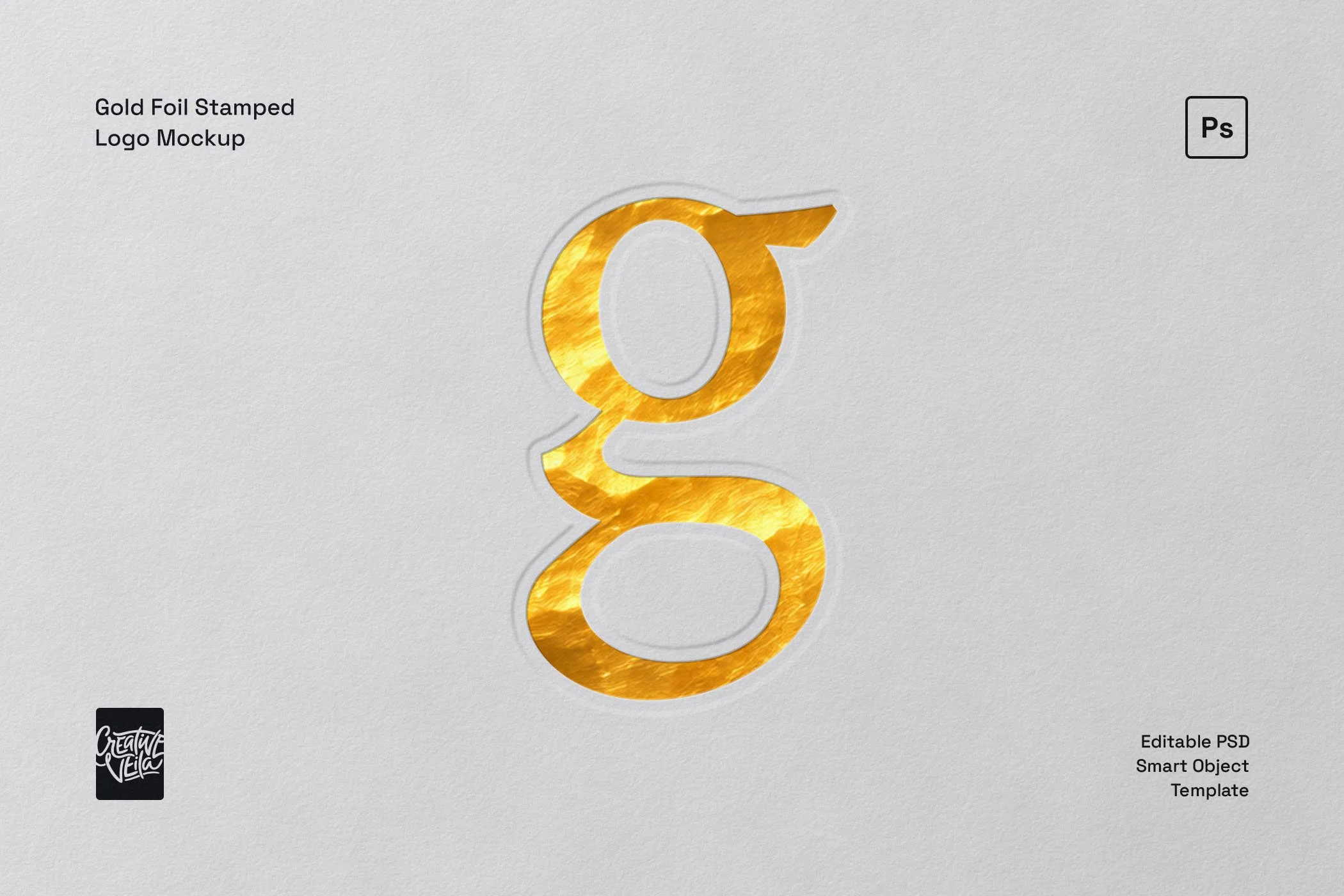
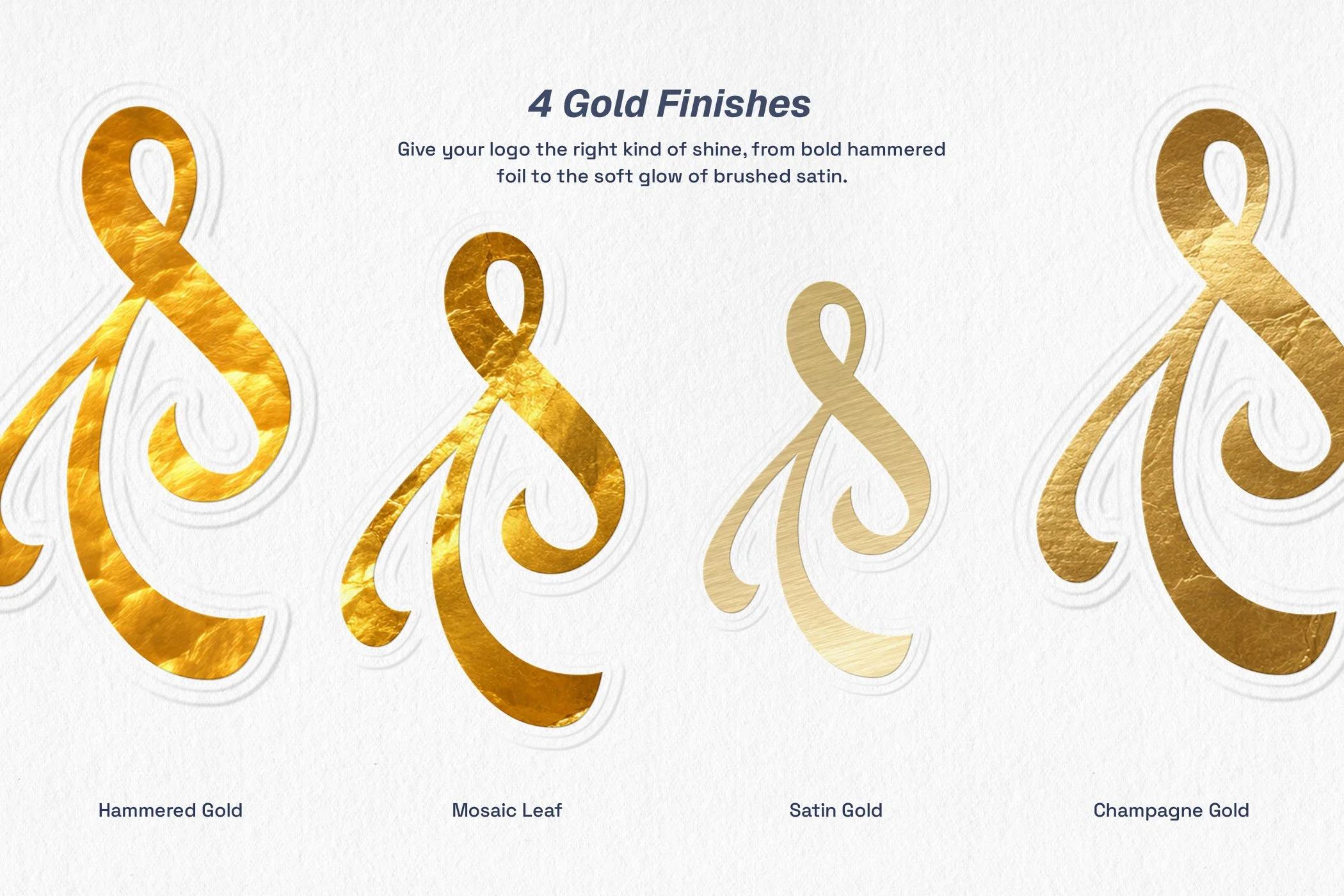
Four gold finishes
Place your artwork once in the Photoshop Smart Object, then try Champagne, Satin, Mosaic, or Hammered on the same mark. For a client presentation, keep the lettering and paper fixed and change only the foil. “Make it gold” becomes a choice you can actually show.
Engraved scrollwork
Add fine curls across the foil, or hide the scrollwork for plain gold.
Embossed paper
Uninked contours trace the edges of your design. Toggle them independently and choose from three paper textures.
Where to use it
Brand presentations. Show the same wordmark in contrasting finishes before your client commits to a print treatment.
Wedding stationery. Preview a fine monogram or script signature on textured paper.
Packaging concepts. Test a crest, label, or maker’s mark in foil before ordering a physical proof.
Design tip: Try Satin for small lettering and Hammered or Mosaic for wider strokes, where the texture has room to show.
What’s included
One editable Photoshop PSD, 3000 × 2000 px at 300 ppi
Four gold finishes and three paper textures
Optional engraving and embossed contours
Illustrated PDF user guide
How to use it
Open the PSD in Photoshop. Double-click the Edit Design Smart Object and place your black logo above the white background. Save and close the Smart Object, then choose your finish in the main document.



A modern text effect inspired by blueprints, grids, and UI design, perfect for tech-forward visuals, bold headers, and clean editorial layouts.