Seamless patterns in Adobe Illustrator are one of the most useful design assets I've ever used. You apply it to any shape or object, and it's sharp and good-looking no matter what size you're working with. 12000 by 12000 pixels? Hey, no problem. It's seamless and vector, it's completely adjustable and customizable in a few clicks!
Moreover, Pattern tool in Adobe Illustrator is super intuitive and well-made, so whenever you're up to create a seamless artwork you literally can't go wrong. You will end up with something sweet at least! And to prove just that I've made this short video tutorial revealing a process of creating, adjusting and editing a simple geometric pattern.
Credits:
Music by Nordgroove from Fugue
PSD Mockup template available on Pixelbuddha website
You should also check
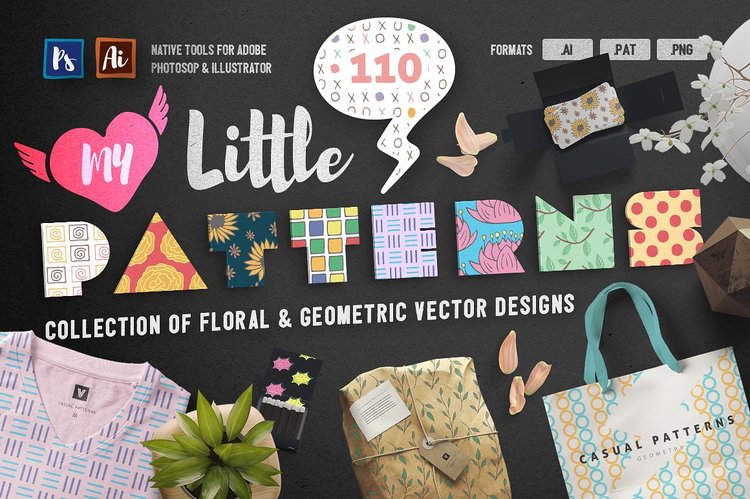
My Little Patterns
Imagine how many creative projects you can nail with these cuties: beautiful packaging, trendy apparel design, catchy prints, mind-blowing typography and so much more!